Playback
68
LSQT1150
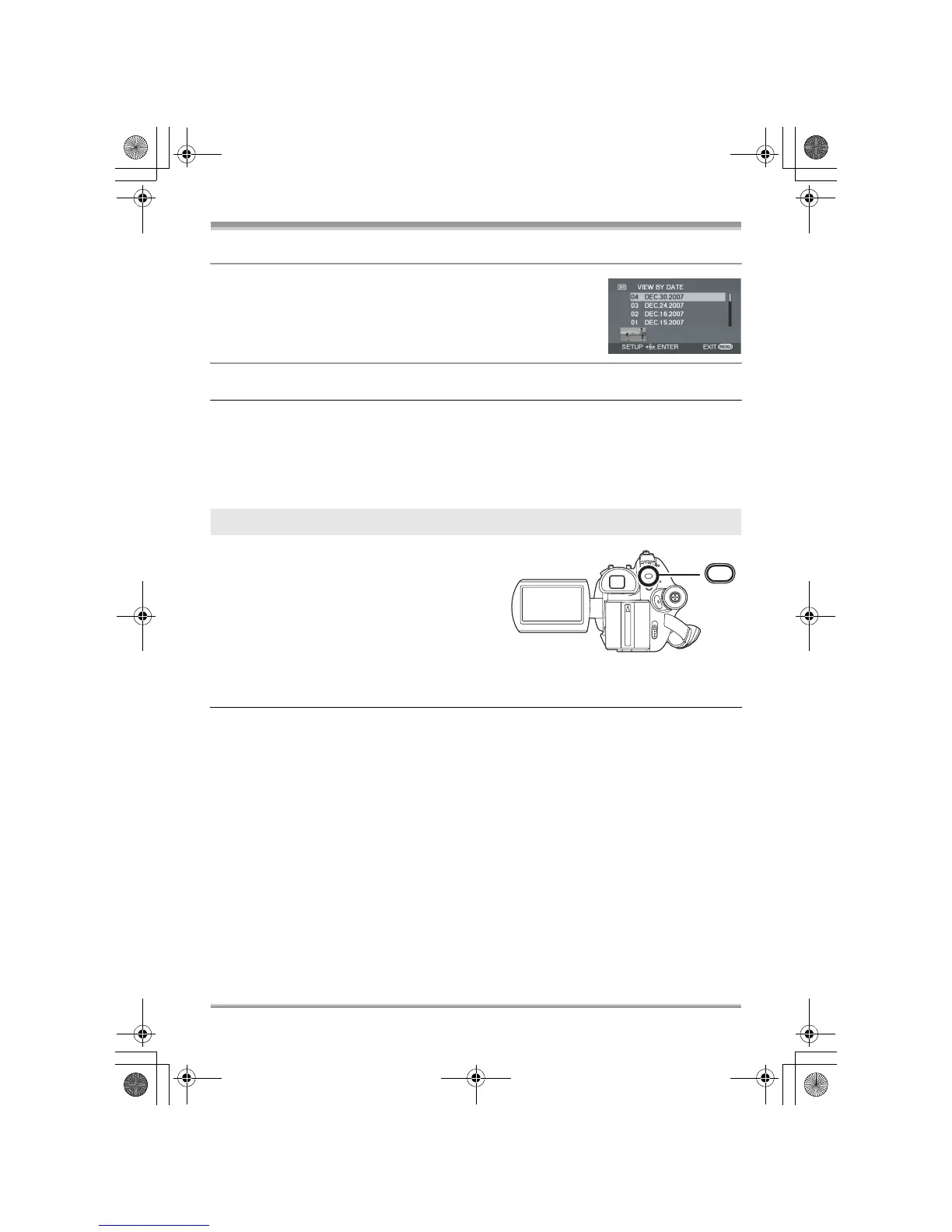
2 Select the date for playback, then press the
joystick.
The scenes recorded on the same day are displayed as thumbnails.
3 Select the scene to be played back.
≥ Even if scenes are recorded on the same day, they are grouped separately in the following cases.
jWhen the number of scenes exceeds 99 (RAM) (-RW‹VR›) (-RW‹V›) (-R)
jWhen the disc is removed (-RW‹V›) (-R)
jWhen the [ASPECT] setting is changed (-RW‹V›) (-R)
jWhen the disc is repaired (-RW‹V›) (-R)
jWhen the layers switch on a DVD-R DL (-R)
Press the MENU button, then select
[PLAY SETUP] # [RESUME PLAY] #
[ON] and press the joystick.
If playback of a motion picture is stopped, [R]
appears on the thumbnail view of the stopped
scene.
≥ If playback is stopped at any point during a motion
picture while [RESUME PLAY] is set to [OFF], the
next time the motion picture is played back, it will
be from the beginning.
≥ The resume position memorized is cleared if you open the disc cover or operate the mode dial, etc.
(The [RESUME PLAY] setting is kept.)
Resuming the previous playback
MENU
LSQT1150.book 68 ページ 2007年1月19日 金曜日 午前9時27分














 To Next Page