With a computer (VDR-D310/VDR-D230)
92
LSQT1150
The following software applications are contained on the provided CD-ROM.
∫ DVD-RAM Driver
This is necessary to configure the unit as a drive on a computer.
DVDForm:
This is used to format DVD-RAM on a computer.
∫ DVD-MovieAlbum
DVD-MovieAlbumSE:
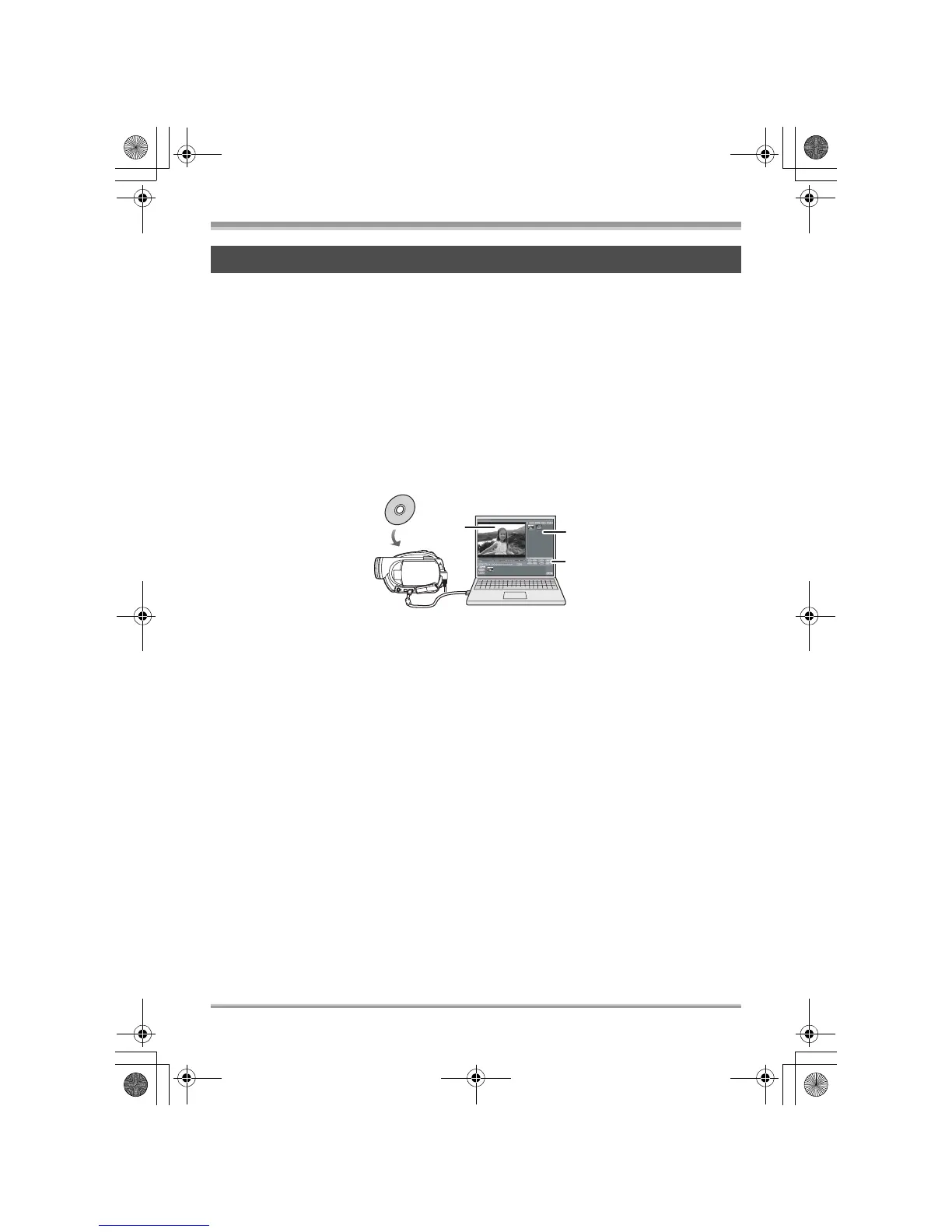
This software is for playing back and editing* VR format motion pictures.
By using DVD-MovieAlbumSE with this unit, it is possible to perform playback and editing* of the DVD-
RAM or DVD-RW (VR format). It is also possible to transfer exported data to DVDfunSTUDIO.
Playing back and editing* DVD-RAM and DVD-RW (VR format).
A Playback area
B Thumbnails
Disc contents are shown.
C Editing buttons*
* Editing can only be performed on a DVD-RAM.
VR disc copy tool:
This is used when creating a copy of a VR format disc.
Copy the data to the hard disk of the computer and then write it to another DVD-RAM.
Disc formatter:
This is used to format DVD-RAM on a computer.
Contents on provided CD-ROM
A
C
B
LSQT1150.book 92 ページ 2007年1月19日 金曜日 午前9時27分














 To Next Page