Before using
11
LSQT1150
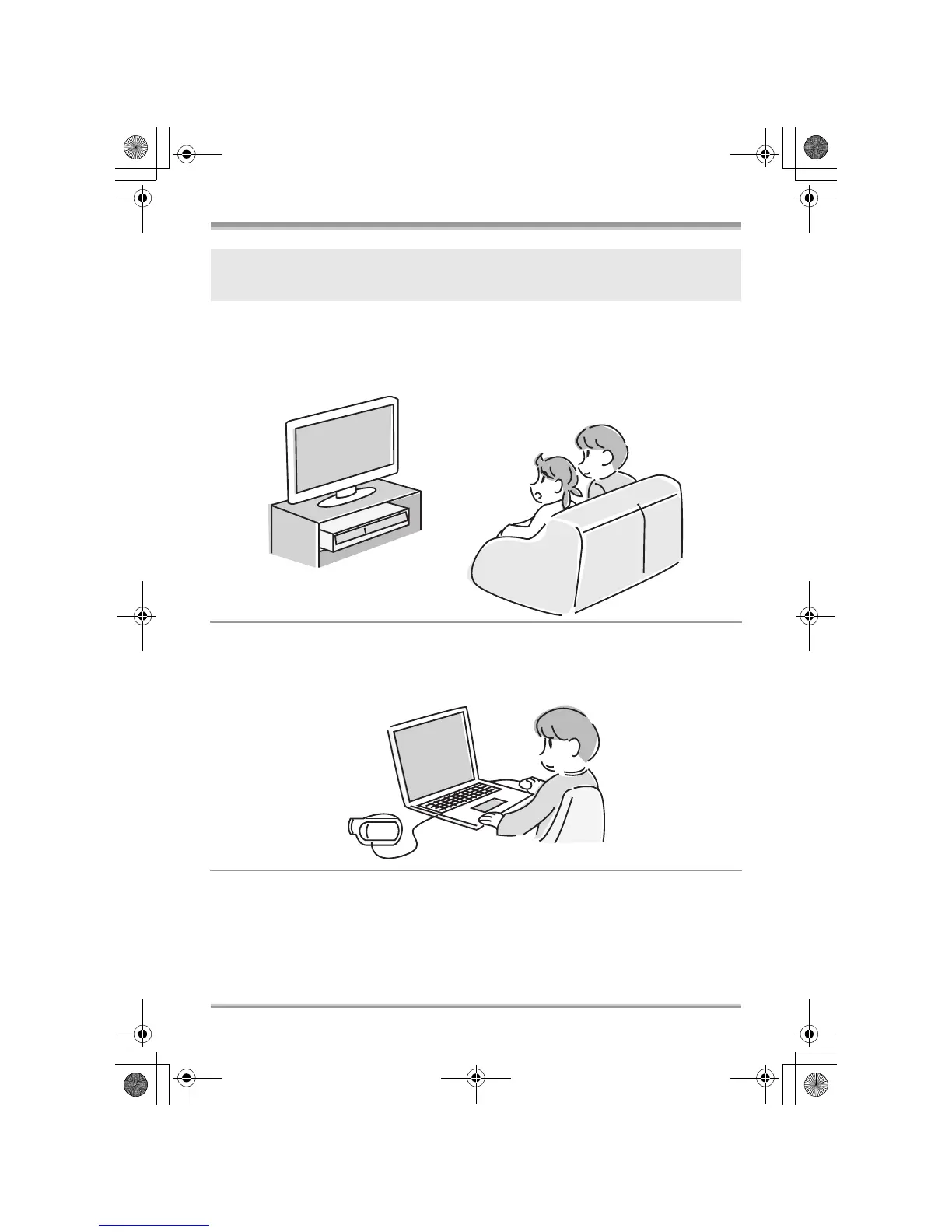
∫ Using with DVD player/recorder! (l 86)
Just insert the disc into a DVD player/recorder compatible with 8 cm (3z) discs to play back the scenes
recorded with this unit.
If you have a DVD recorder with hard disk, you can copy (dub) scenes recorded on a disc with this unit
to the hard disk.
∫ Using with a computer! (VDR-D310/VDR-D230) (l 91)
You can enjoy editing scenes with the software on the supplied CD-ROM and creating original
DVD-Video discs.
If you insert a DVD-RW or a DVD-R disc recorded in this unit (that has not been finalized) into
another device such as DVD recorder, computer, etc., the disc may become unusable.
Be sure to finalize the disc on this unit before inserting it in other devices. (l 81)
LSQT1150.book 11 ページ 2007年1月19日 金曜日 午前9時27分














 To Next Page