14
LSQT1150
Before using
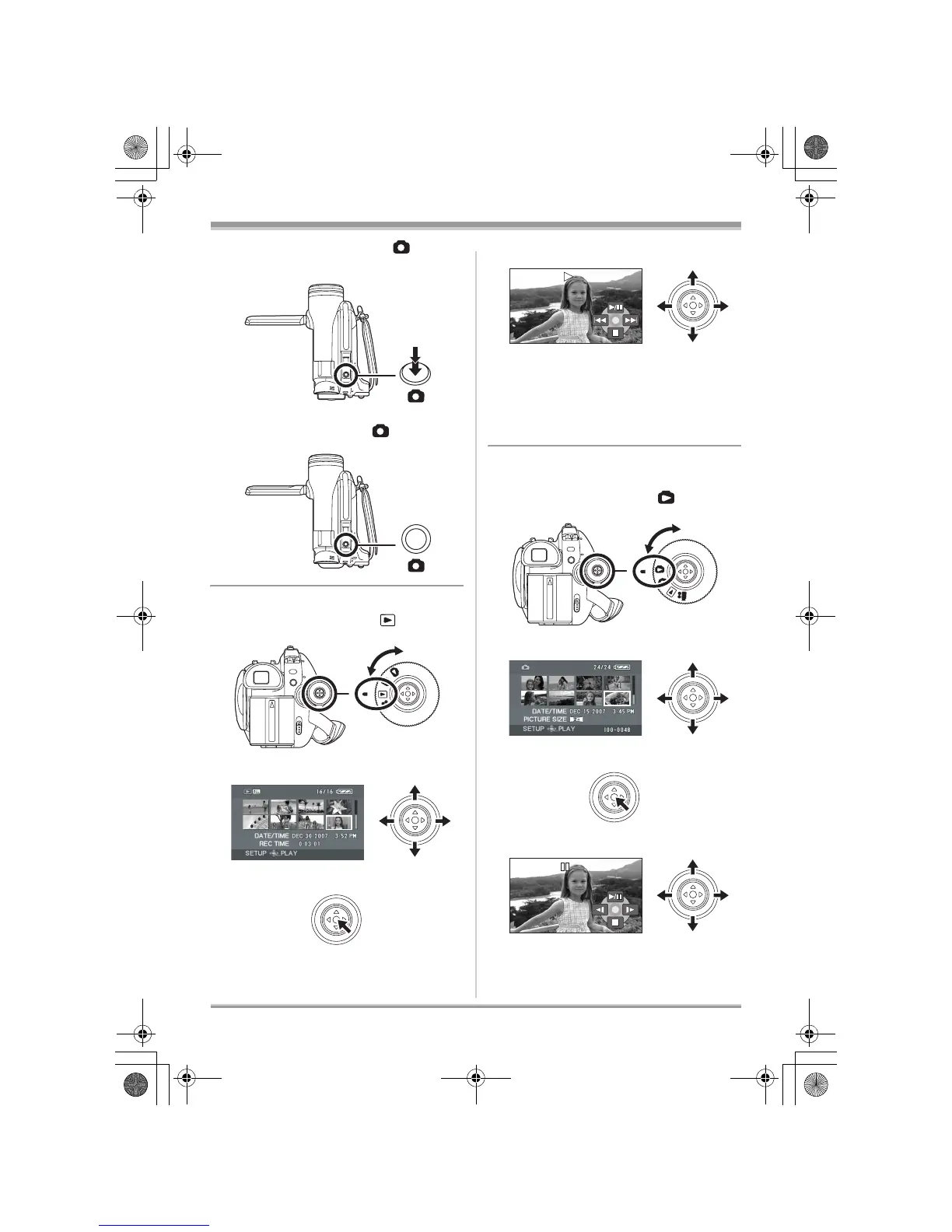
2 Press the Photoshot button [ ] fully to
take the picture.
VDR-D230:
Press the Photoshot button [ ].
∫ Motion picture playback
≥ Rotate the mode dial to select .
1 Select the scene to be played back.
2 Press the joystick.
3 Move the joystick to operate.
∫ Still picture playback (JPEG still
pictures) (VDR-D310/VDR-D230)
≥ Rotate the mode dial to select .
1 Select the file to be played back.
2 Press the joystick.
3 Move the joystick to operate.
1/;: Playback/Pause
:: Skip playback (backward)
9: Skip playback (forward)
∫: Stops the playback and shows the
thumbnails.
1/;: Slide show start/pause.
E: Plays back the previous picture.
D: Plays back the next picture.
LSQT1150.book 14 ページ 2007年1月19日 金曜日 午前9時27分














 To Next Page