Playback
66
LSQT1150
≥ The time displayed may be different from the recording time and it may take time to display the
thumbnail display when playing back motion pictures recorded on another product.
≥ The recording time is not displayed on the screen during playback of scenes recorded on other
products.
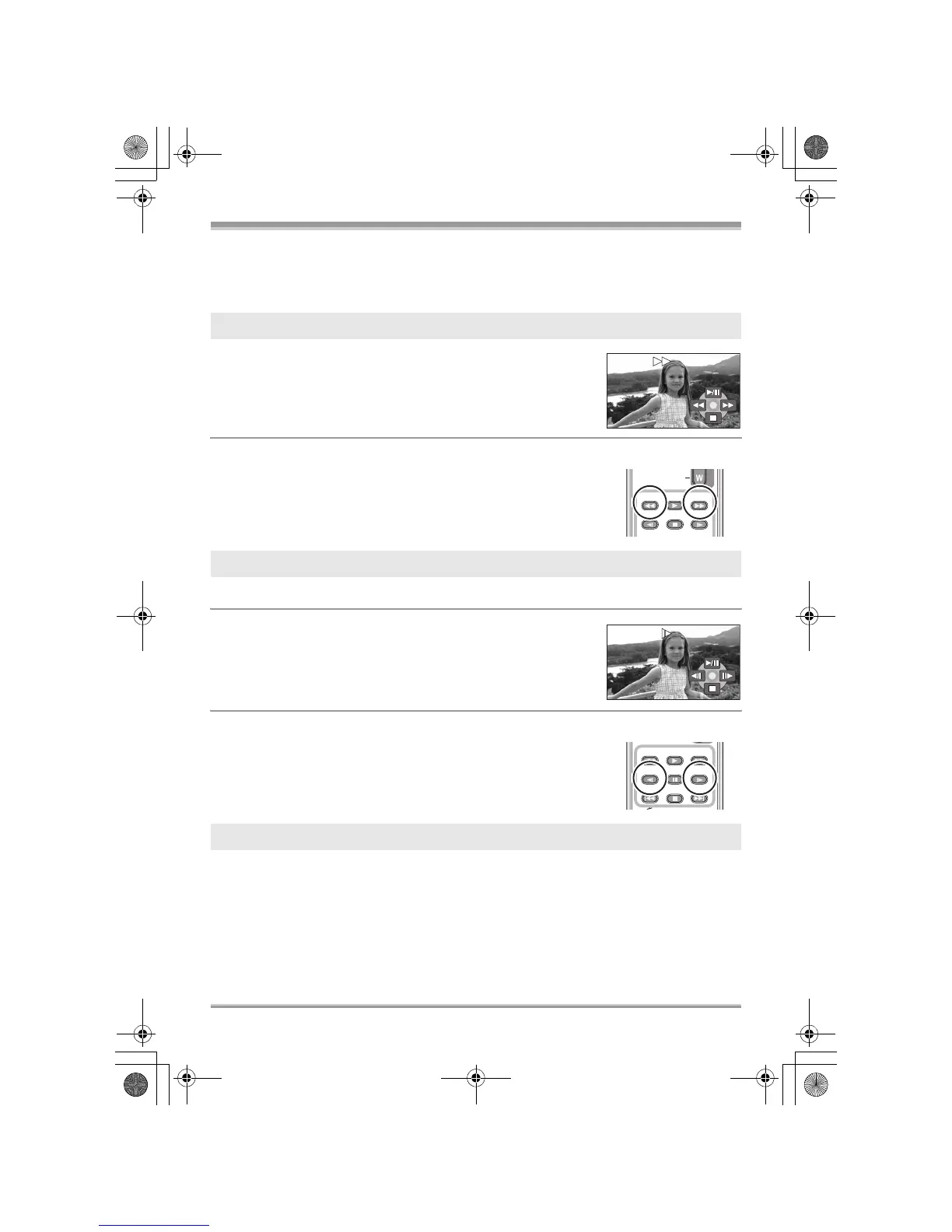
Move and hold the joystick right during playback until
fast-forward starts.
(Move and hold the joystick left to rewind.)
≥ Move the joystick again to increase the speed.
≥ Normal playback is restored when you move the joystick up.
∫ Operating with the remote control (VDR-D310)
Press the 6
or 5 button.
1 Move the joystick up during playback to pause the playback.
2 Move and hold the joystick right.
(Slow-motion pictures will be played back in
reverse when you move and hold the joystick left.)
≥ Normal playback is restored when you move the joystick up.
∫ Operating with the remote control (VDR-D310)
Press the E
or D button.
The motion picture is advanced one frame at a time.
Fast forward/rewind playback
Slow-motion playback
Frame-by-frame playback
PLAY














 To Next Page