EasyManua.ls Logo

Panasonic VL-V900 - User Manual

Panasonic VL-V900
68 pages
Print Icon
To Next Page IconTo Next Page
Loading...
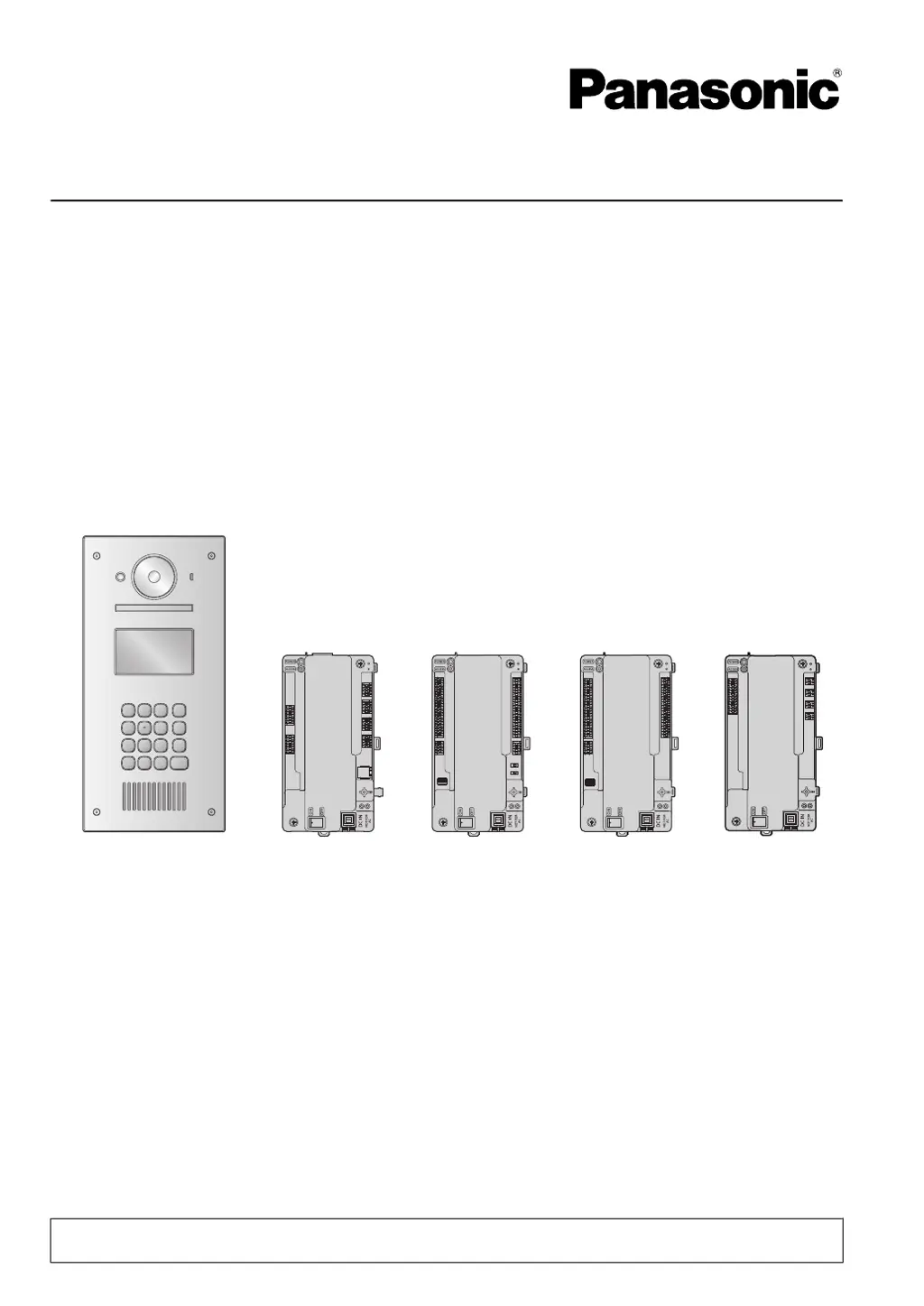
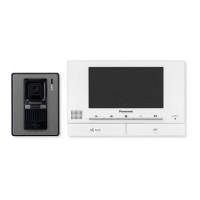
Installation and Operating Instructions
Video Intercom System for Apartment Complexes
Model No. VL-V900 and VL-V700 Series
VL-V900 VL-V700 VL-V701 VL-V702 VL-V703
Thank you for purchasing a Panasonic product.
Please follow all instructions in this document and save it for future reference.
This system is an auxiliary system; it is not designed to provide complete protection from property loss.
Panasonic
will not be held responsible in the event that property loss occurs while this system is in operation.

Other manuals for Panasonic VL-V900

Questions and Answers

  • S
    Sharon DuncanAug 3, 2025
    What to do if Panasonic VL-V900 calls are disconnected?
    • C
      Charlene JohnsonAug 3, 2025
      If your Panasonic Intercom System calls are getting disconnected, it could be due to a call with higher priority (like an emergency call) interrupting the current one. In this case, wait and try again later. Alternatively, the call might have timed out to conserve system resources; the system disconnects calls after a set period.
  • K
    Kimberly SandersAug 10, 2025
    Why is there no image displayed (blue screen) on my Panasonic VL-V900?
    • M
      Mrs. Tara DennisAug 11, 2025
      A blue screen on your Panasonic Intercom System typically indicates connection issues or incorrect settings. First, check that all cables are correctly connected and fully inserted into the terminals, especially the connection between the terminals (V1 and V2) of the control box and distribution box. Also, ensure that power is connected to all units. Finally, confirm that the following settings are configured to the same values for all lobby stations connected to the same extension box: Camera Display Priority, Camera Signal, Time and date settings, Monitor Time Out, Talk Time Out, Lift Signal Mode, and Lift Signal Time.
  • Y
    ywattsAug 18, 2025
    Why Panasonic VL-V900 Intercom System cannot connect?
    • C
      Caroline ThompsonAug 18, 2025
      If your Panasonic Intercom System cannot connect, it is likely due to cable or power issues. Check that all cable connections are secure and fully inserted into the terminals. Also, verify that the control box is properly connected to a power source.
  • M
    Mark ChangAug 25, 2025
    What to do if Panasonic VL-V900 cannot upload data?
    • A
      Adam VillarrealAug 26, 2025
      If you're unable to upload data to your Panasonic Intercom System, several factors could be at play. First, check all cable connections to ensure they are correctly connected and fully inserted into the terminals. Next, verify that power is connected to all units. Also, confirm that the switch settings are correct and that the in/out connections between units are properly configured.

Summary

Important Information and Safety

Safety Information and Precautions

Provides crucial warnings and cautions regarding fire, electric shock, and general usage to prevent injury.

Preparation for Installation

Installation Procedures

Installation Cautions and Power Supply Unit Installation

Covers essential warnings before installation and detailed steps for installing the power supply unit.

Lobby Station Installation Procedures

Guides on selecting installation locations, camera range, mounting, and registering the lobby station.

Control Box, Distribution Box, Lift Controller, and Extension Box Installation

Explains installation methods and mounting options for core system control and distribution units.

Wiring Connections and Switch Settings

Details wiring schematics, wire types, lengths, and distribution/lift controller switch configurations.

Basic Settings Configuration Recommendations

Recommends essential system settings to configure for initial setup and optimal performance.

System Programming

PC Programming Details and Parameters

Covers setup tool overview, editing, backups, and lists parameters for control box and lobby stations.

Basic Operations

Panasonic VL-V900 Specifications

General IconGeneral
BrandPanasonic
ModelVL-V900
CategoryIntercom System
LanguageEnglish

Related product manuals