21
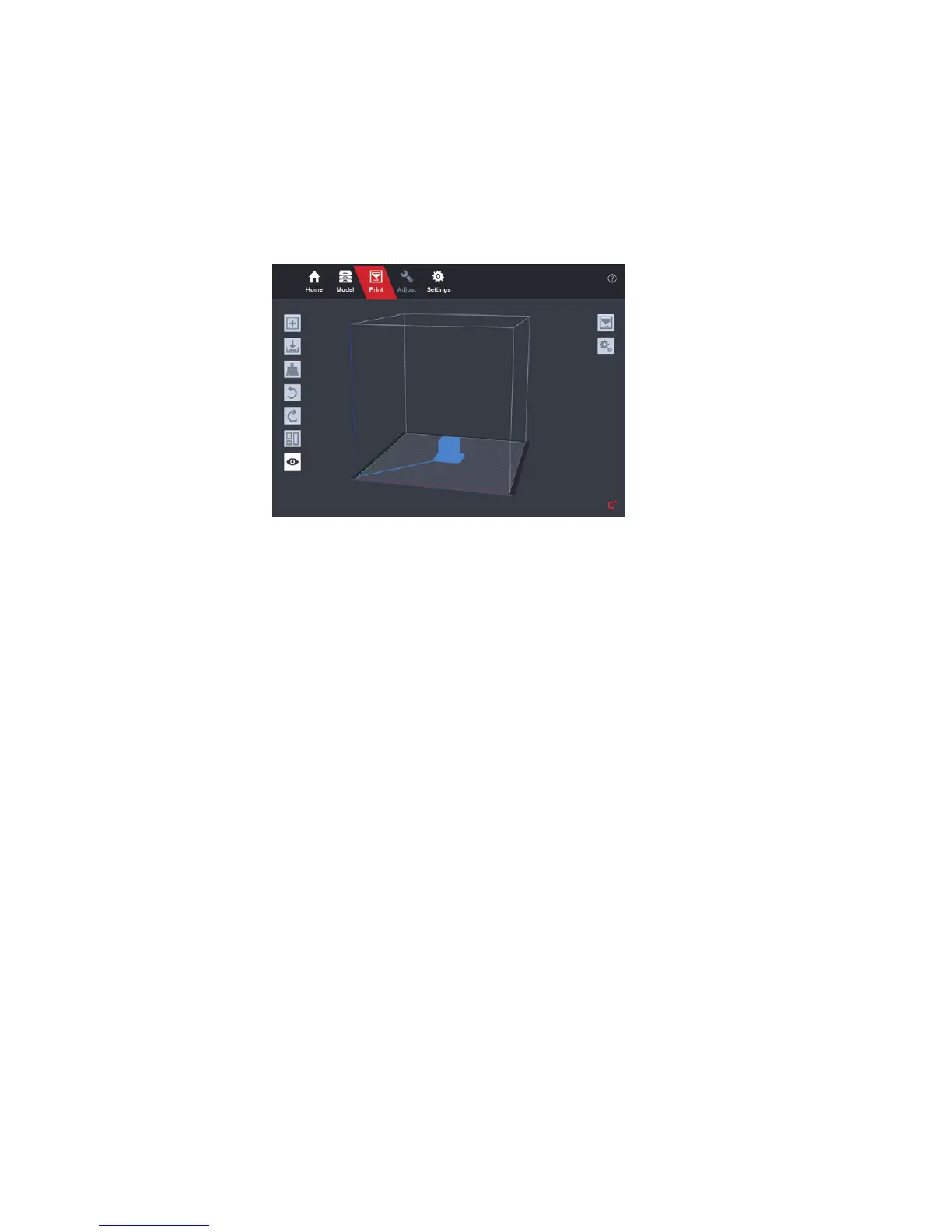
Click "View route" button to preview the printing route.
Conrm information and click the “Conrm” button to print.
There are optional ways to print without computer. PanoSpace I 3D printer
takes ZSP format les to control the printer. It has a few pre-installed ZSP les
on the supplied micro SD card. These les can be printed directly on the printer.
They contain xed model sizes and printing temperature.
After analysis nished, you can choose from two ways to copy ZSP les to the
micro SD card:
■
Save ZSP le on your computer. Get micro SD card out of the slot and copy
the le manually. Then plug the micro SD card back to the slot.
Note: If SD card cannot work properly, please format it to FAT32 with 4096B sector size on Windows or FAT on
Mac OS X.
■
Transfer ZSP le to the micro SD card via USB cable (this functions is
experimental)


 To Next Page