22
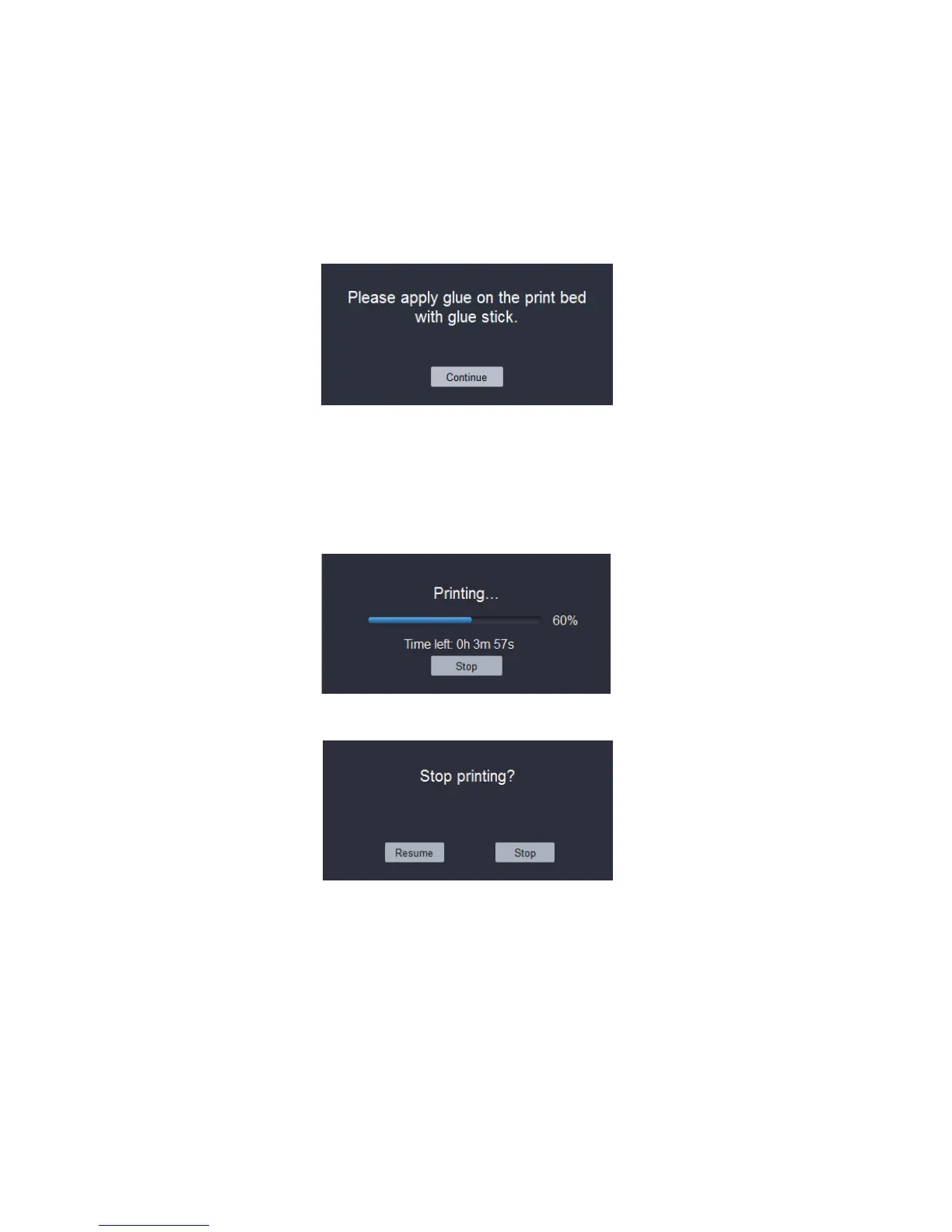
Always apply two thin layers of glue with your glue stick before continue.
Note: If the glue layer is not flat, it might affect the print quality. Please wipe the print bed clean with damp towel
and apply two thin layers again.
Printing starts. The estimated remaining time and progress displays on the
screen.
Click the “Stop” button to terminate current printing.


 To Next Page