DEVICE MAINTENANCE AND CLEANING
TRAINING
©Parata
How to Change the Printer Ribbon and Clean the Thermal Print Head
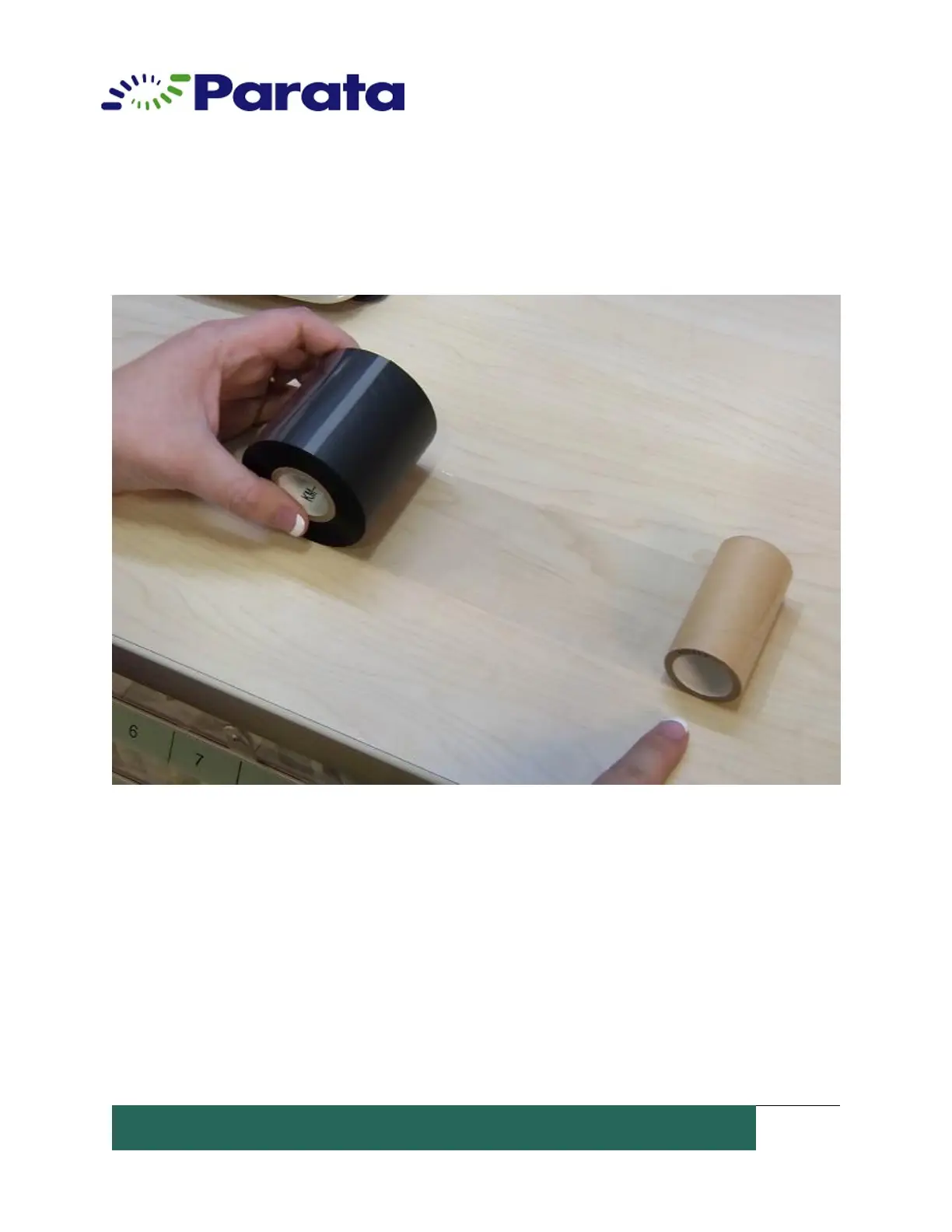
10. Roll the empty roll on the new ribbon until 1 rotation is made around the
empty spool.
11. Insert both of the spools back into the printer assembly. Refer to the Ribbon
path diagram on the underside of the printer assembly cover. It is important that
the ribbon is fed through the unit correctly and both spools are pressed all the
way down.
12. By hand, roll the empty spool clockwise until the black ribbon has reached the
empty spool.


 To Next Page