DEVICE MAINTENANCE AND CLEANING
TRAINING
©Parata
How to Replace the Cutter Blade
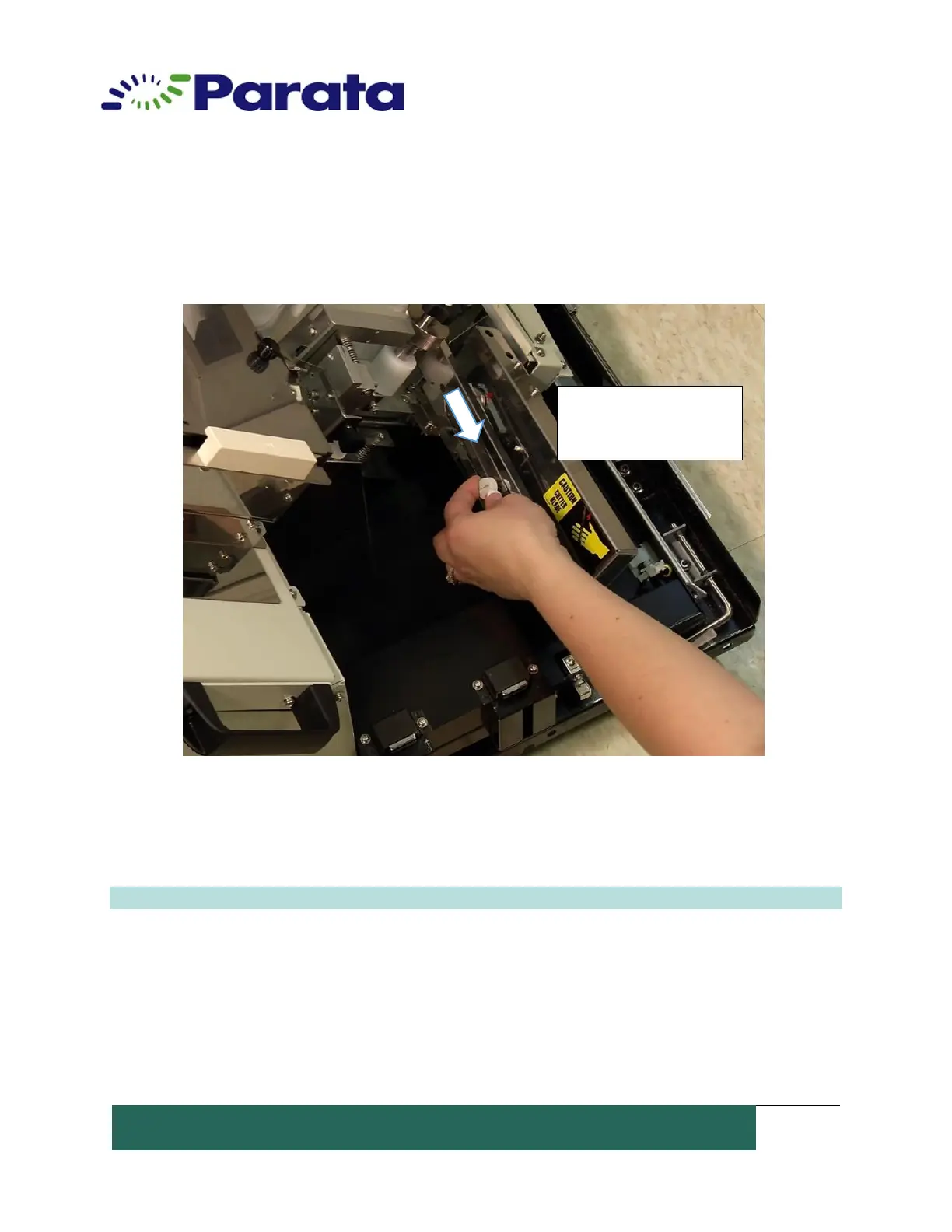
2. Use locking knob to slide blade back (towards front of the machine) to the “Safe
position.” Re-tighten the blade locking knob again.
Step Two: Remove the Cutter Blade Knife Assembly
1. Remove the metal guard from the blade assembly by lifting it off to the left. Set aside.
Note: The metal guard is held in place by a metal pin inserted into the white plastic guide.
Slide the blade back to its
safe position. Tighten the
blade locking knob


 To Next Page