DEVICE MAINTENANCE AND CLEANING
TRAINING
©Parata
How to Replace the Cutter Blade (continued)
Step Three: Replacing the Cutter Blade
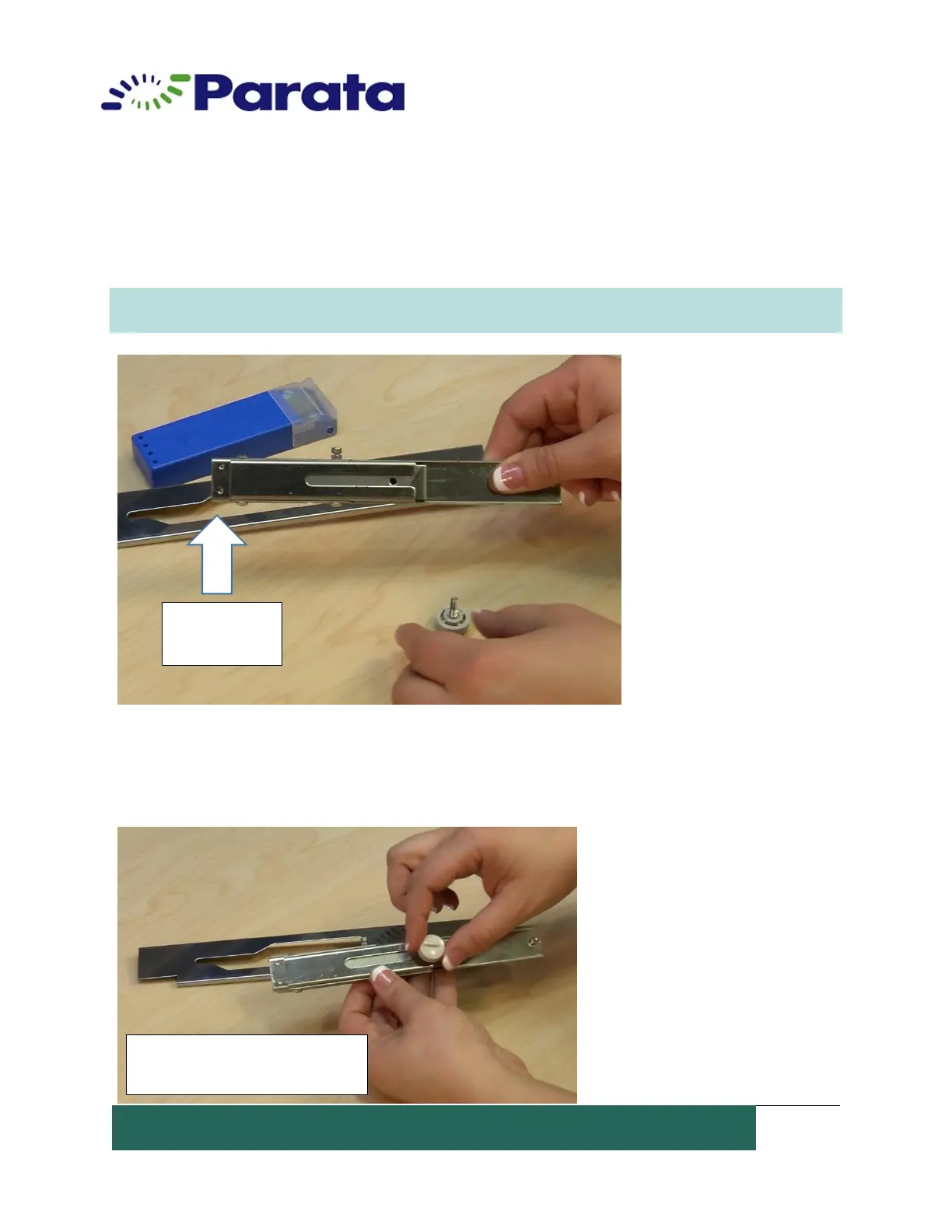
1. Remove the blade locking knob and push the blade out (to the left in this picture).
Note: The cutting side of the blade, you will replace it the same way.
Caution: The blade is very sharp!
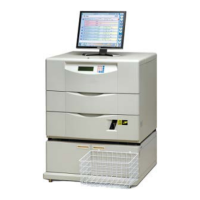
2. Insert the new cutter blade into the blade holder. Be sure to lock the new blade in the
“Safe position.” Tighten the blade locking knob before reassembling the blade holder into the
cutter assembly.
Blade holder with new blade
in “safe position”


 To Next Page