24
General facts Information Operation Help
- Functions of the secondary systems -
6.1.3 Operation
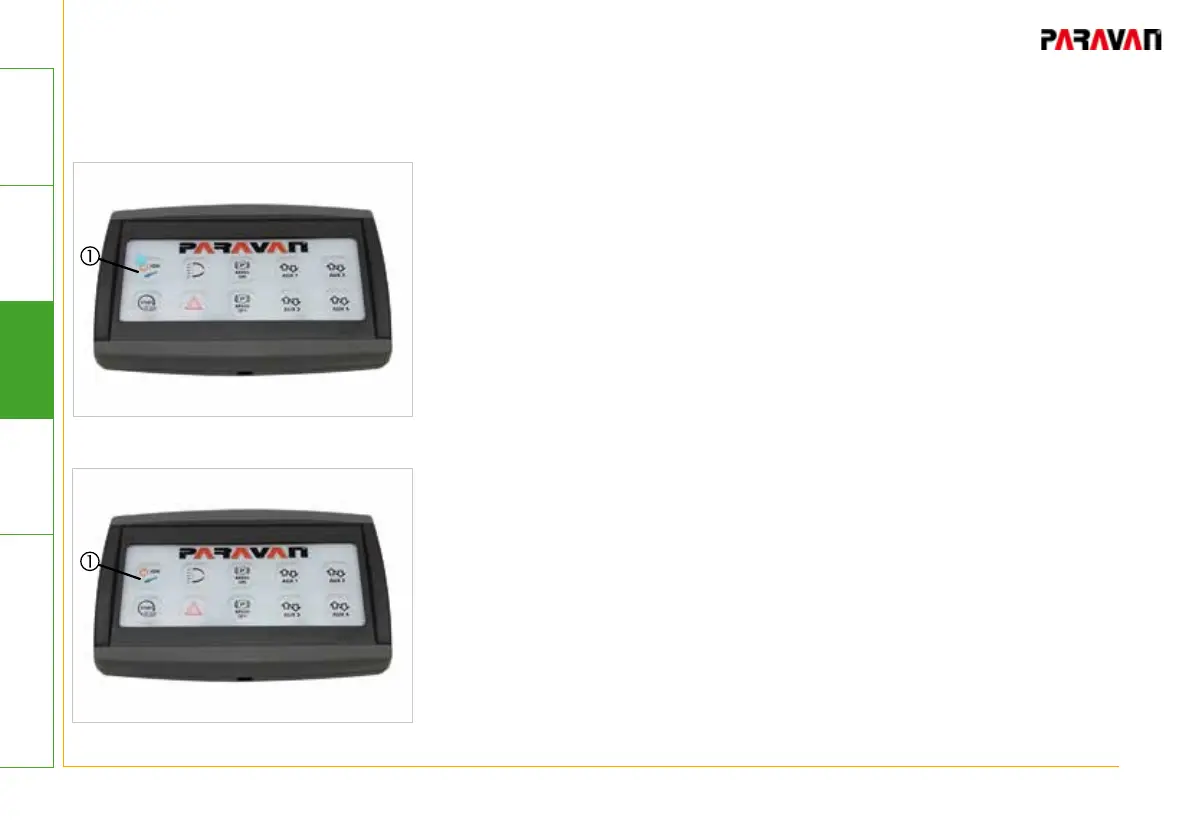
Fig. 7: Ignition ON
..."Ignition ON" with 10-button touchpad
Ignition or ignition current ON
• Press and hold brakes
• Press the "IGN" pushbutton for at least 2 seconds
-> Vehicle ignition will be switched on.
-> Blue LED status light will be lit.
The consuming units installed in the vehicle, e.g. lights, radio,
navigational unit, etc., can be fully operated using the battery
power. Avoid discharging the vehicle's battery.
Ignition or ignition current OFF
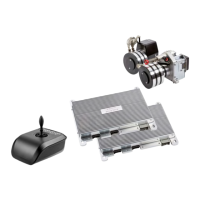
• Press the "IGN" pushbutton for at least 2 seconds
-> Vehicle ignition will be switched off.
-> Blue LED status light will go out.
Fig. 8: Ignition OFF


 To Next Page