50
General facts Information Operation Help
-Freelycongurablecontrolelements-
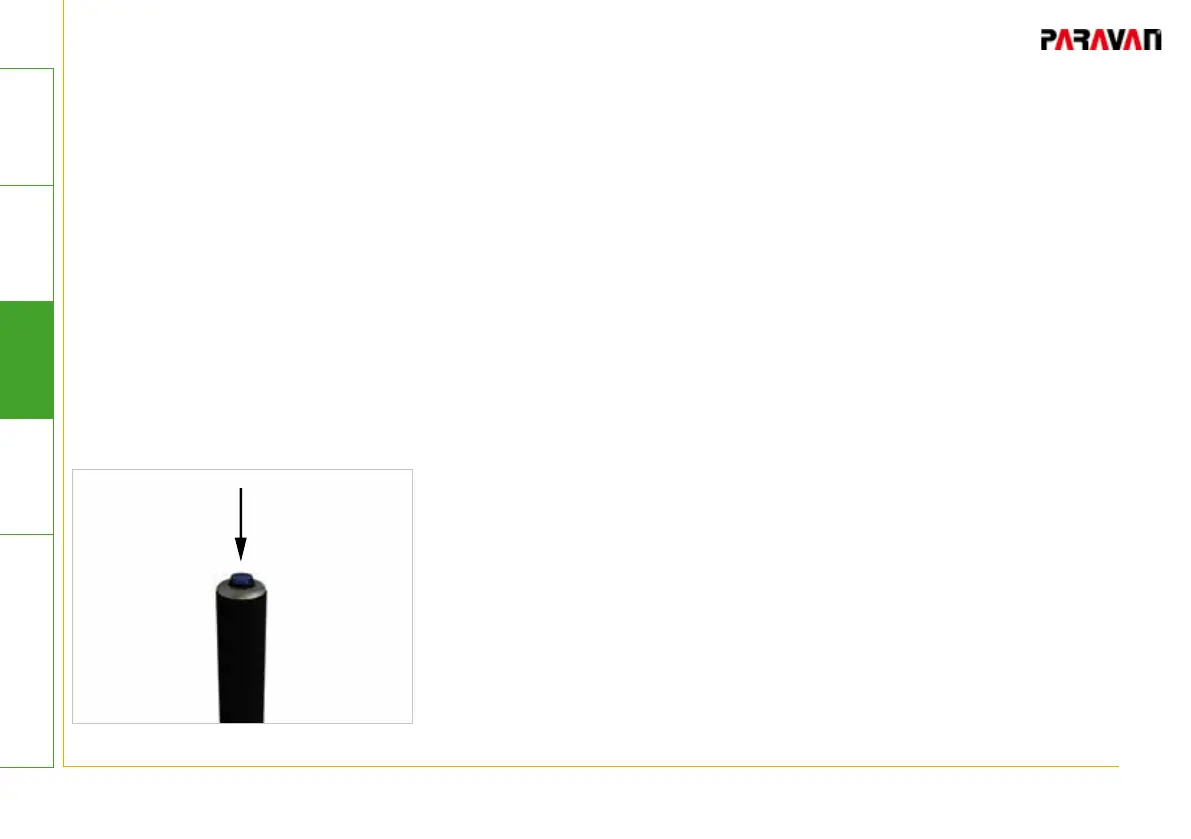
The type of operation does not depend on the design of the
pushbutton (beeper). This means that the operation described
applies to all control elements.
• Press and hold pushbutton (beeper) .
-> 1st acoustic signal will be generated.
-> There may be other acoustic signals, up to a maximum of 10,
generated.
• Count the acoustic signals.
• Release (open) the pushbutton (beeper).
-> The selected function will be active.
After the "10th signal with pause" without action by the
operator, signal generation will stop. The sequence must be
restarted and will start with the 1st acoustic signal.
Fig. 34: Beeper operation
7.3.3 Operation


 To Next Page