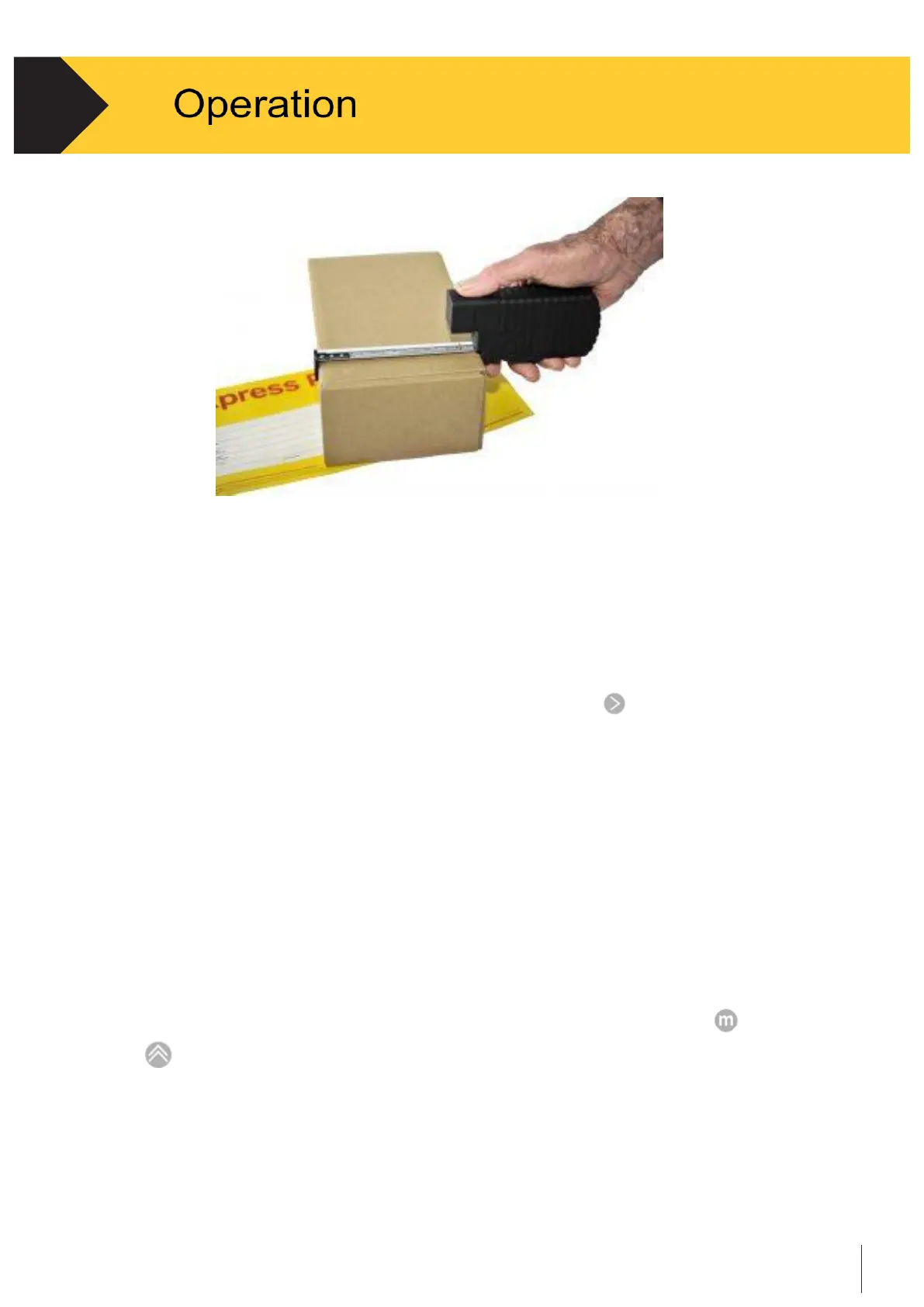
Figure 2-2 - Measure Operation
2.3.3
Transmit Data
•
In the
Measure
task, when connected online to a host system via Bluetooth
recorded data can be sent to the host system by pressing
.
•
In batch mode, recorded data can be sent to a host system using the
Batch Upload
method in the application menu via USB connection. See Section 2.4.5 in this chapter
for detailed instruction
•
In the
Ship
or
Scan
task, transmit is automatic and is part of scanning or
measuring process.
2.3.4
Insert Pallet dimensions ( if activated in settings )
•
With the tape in the Home position and cursor in the Length field, press
or
to insert the default pallet length and width.


 To Next Page