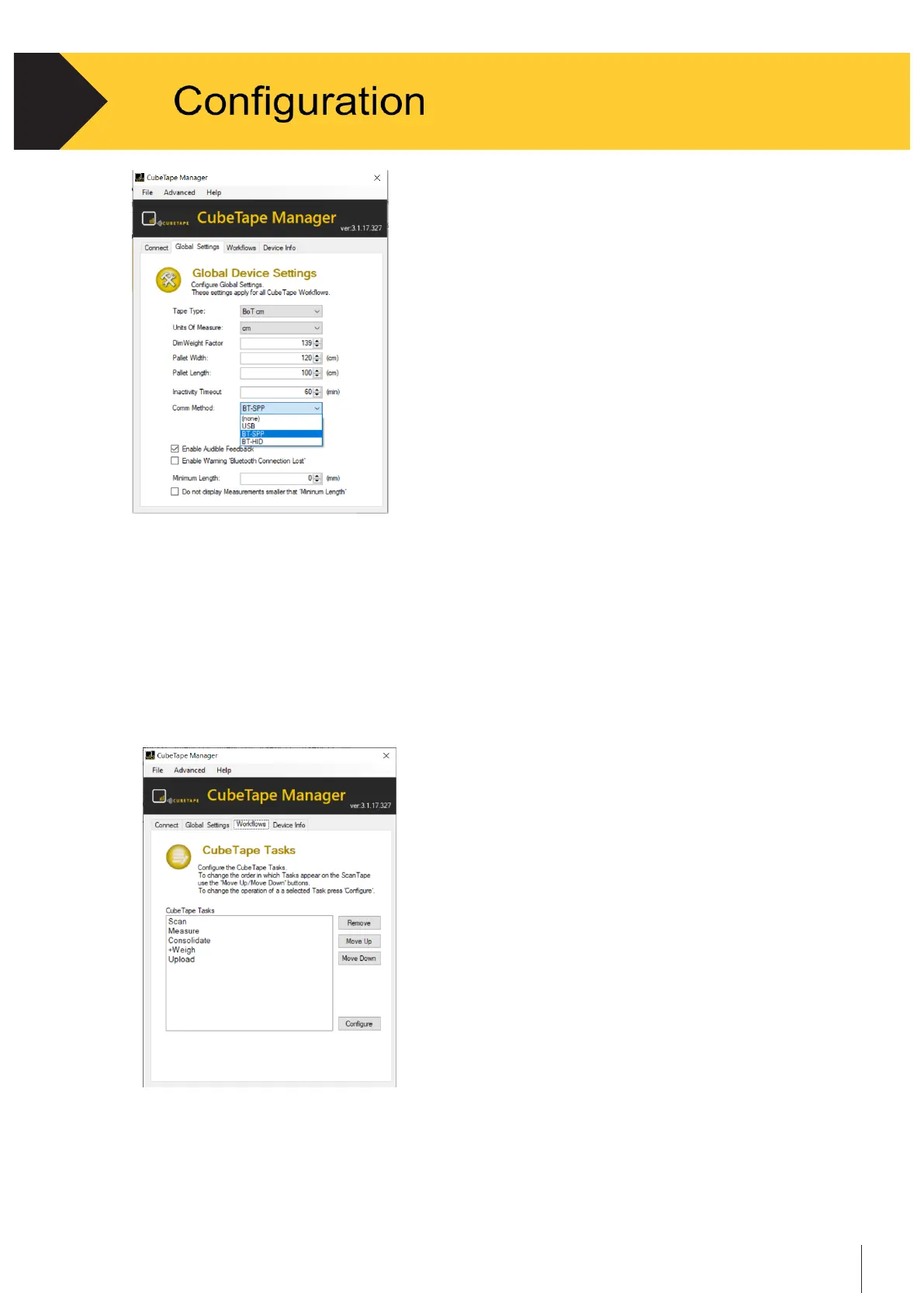
Figure 3-7
3.3.6
Workflows ( or Tasks )
•
Use the navigation arrows on the menu bar and click on “Workflows” tab.
This screen controls the content of the task menu on Cubetape. The order of the
applications can be changed, or they can be removed altogether. See Figure 3-8.
Note that needs be careful to remove the Task from the list. To find back the Task that
is removed, the only way is turning to the Connect tab and clicking the Reset All to load
all the default settings.
Figure 3-8
•
Also the five applications in Cubetape can be configured independently.
•
For instance, to modify the
Measure
Application, highlight “
Measure
” then click on “Configure.”
A configuration window will be displayed. See Figure 3-9.


 To Next Page