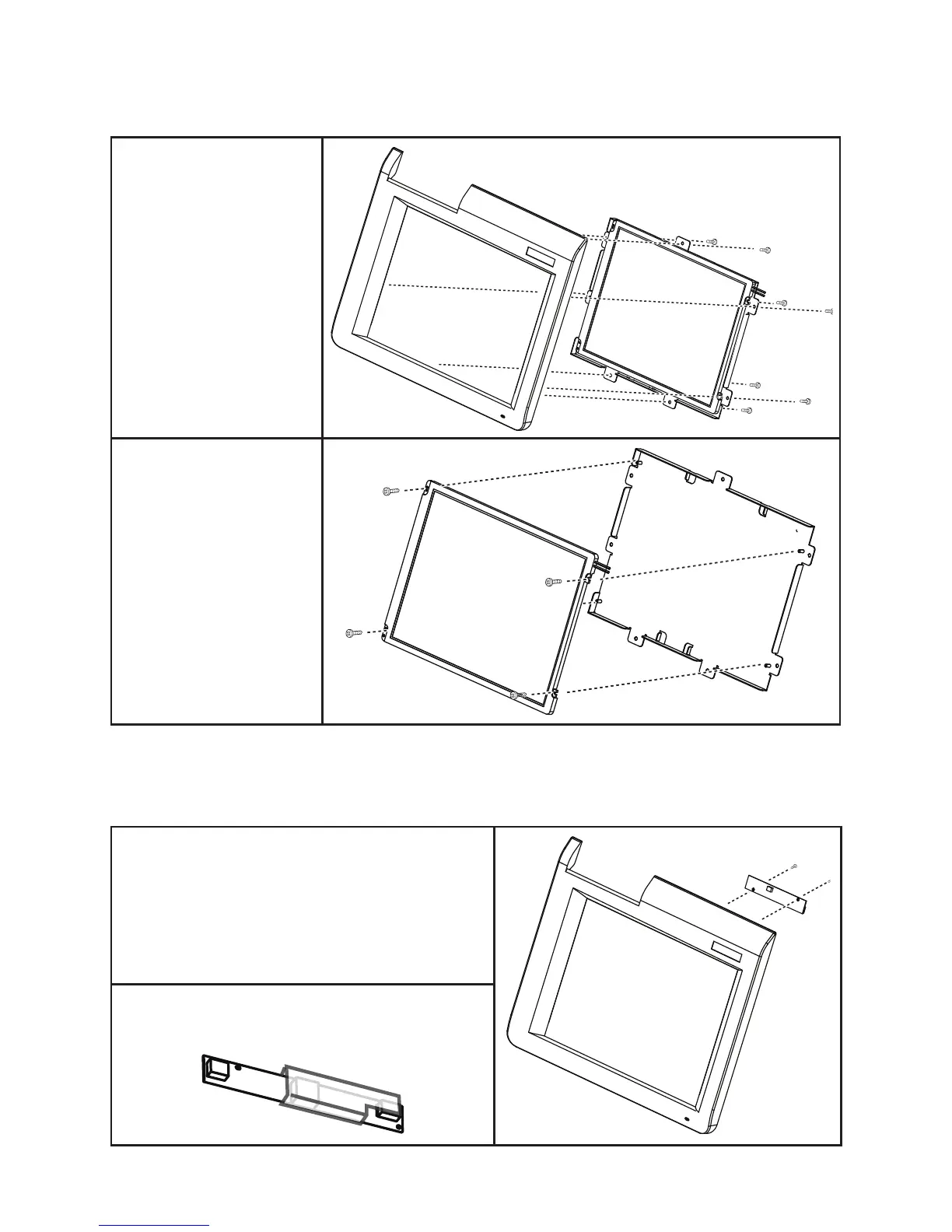
LCD Panel
Before proceeding, remove
the following FRUs.
“Front Panel” on page 55.•
Disconnect the cable on 1.
the mainboard.
Remove the seven screws 2.
from the LCD panel tray.
Remove the tray.3.
Disconnect the cable from 4.
the inverter.
Remove the four screws.5.
Remove the LCD panel.6.
Inverter
Before proceeding, remove the following FRUs.
“Front Panel” on page 55.•
Disconnect the cable from the LCD panel.1.
Remove the two screws.2.
Remove the inverter.3.
When replacing:
Put the inverter in the plastic cover before replacing it.



 To Next Page