14 C H A P T E R 2 B I O S S E T U P
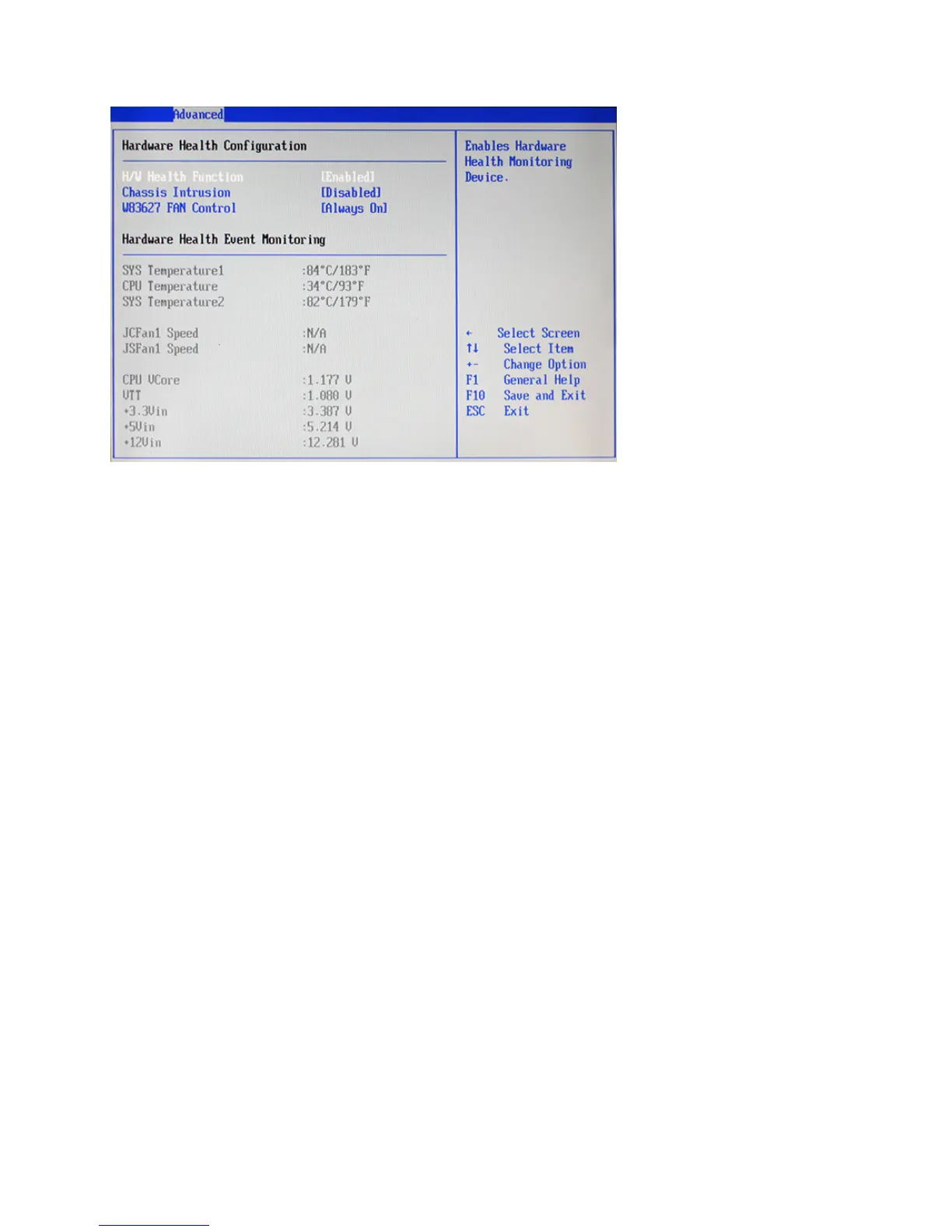
Hardware Health Conguration
H/W Health Function
This function is used to enable/ disable the Hardware Health Event Monitoring, that gives you an overview of
the Temperature, fan speed and voltage information.
Chassis Intrusion
This function allows you to enable/ disable chassis intrusion, that can latch a chassis intrusion event even
when the system is turned off, as long as battery or standby power is still present.
W83627 FAN Control
This function allows you to turn on/ off the fan or set the target temperature to control the fan.
Figure 2.8 Hardware
Health Conguration sub-
menu



 To Next Page