27
CHAPTER 3
INSTALLING DRIVERS AND SOFTWARE
This section explains how to install the drivers for the SP-800.
The following topics are described.
• Driver auto installation on the page 27
• Intel Chipset Driver on the page 28
• Intel Chipset Graphics Driver on the page 30
• LAN Driver on the page 32
• Touch Screen Driver on the page 34
Driver auto installation
Use an external CD-ROM drive to install the drivers or copy the drivers to a USB ash drive and then plug to
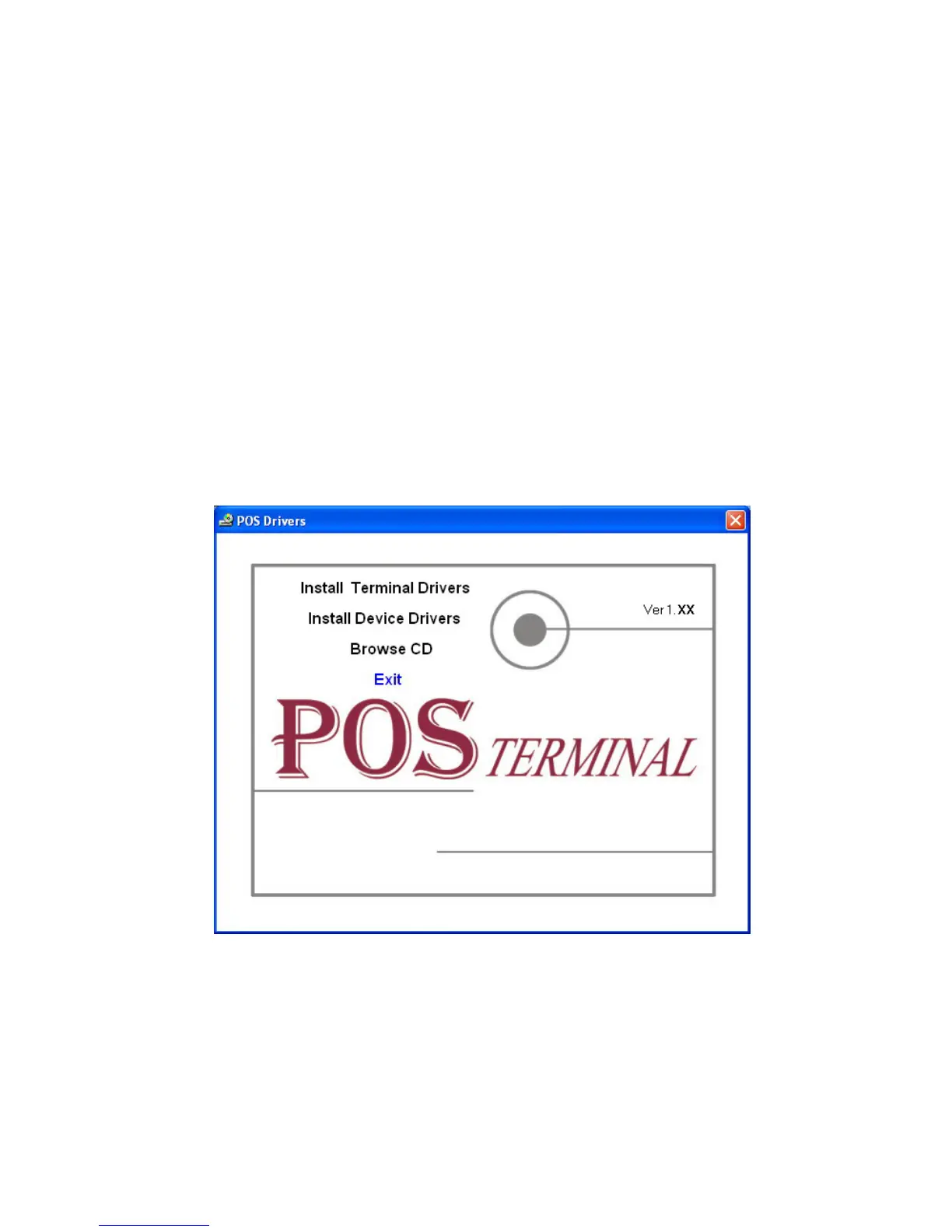
the machine. When you insert the CD ROM the following screen appears.
Check SP-800 that is listed under the “Install Terminal Drivers” and “Install Device Drivers” menus.



 To Next Page