20 C H A P T E R 2 B I O S S E T U P
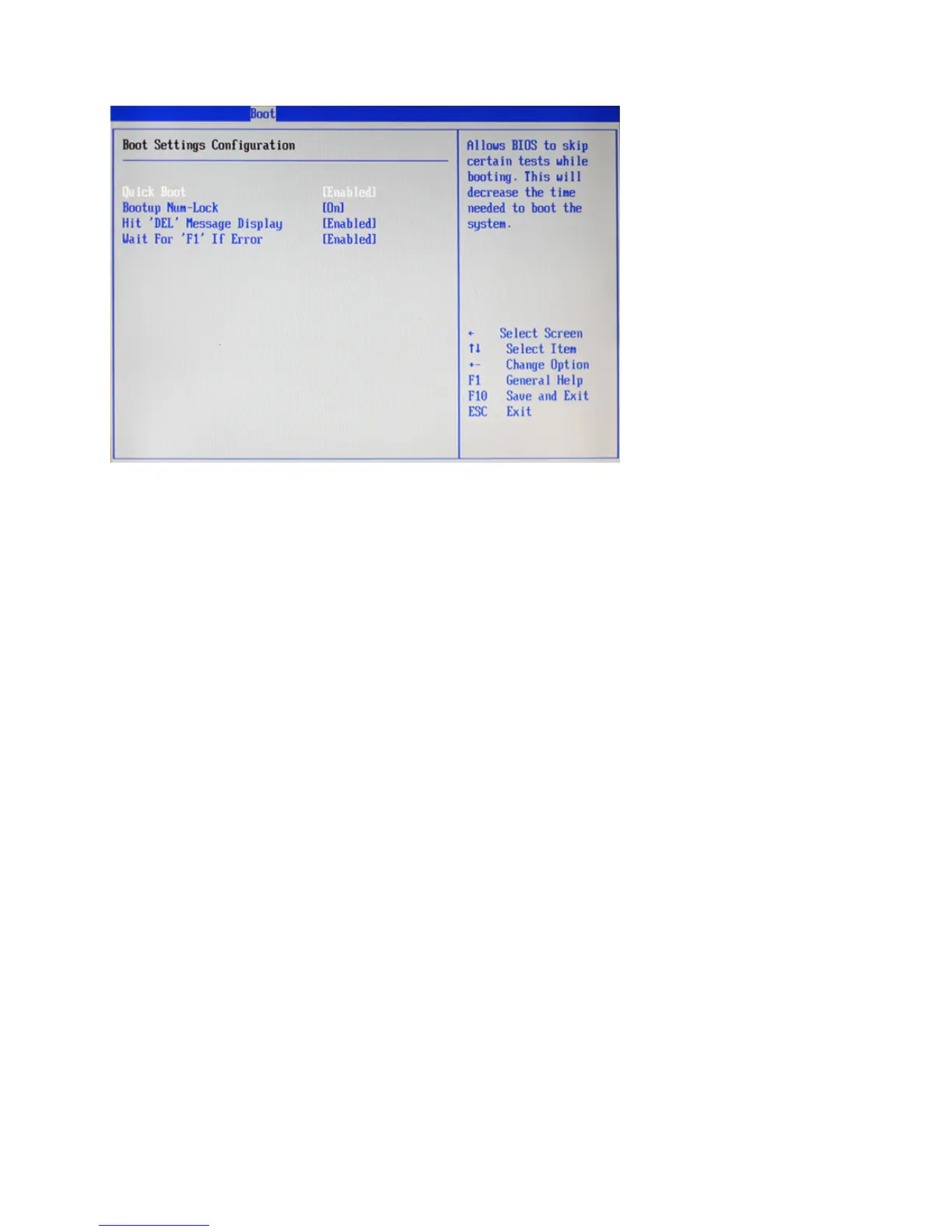
Boot Settings Conguration
Figure 2.14 Boot Settings
Conguration sub-menu
Quick Boot
Enabling this setting will cause the BIOS power-on self test routine to skip some of its tests during booting
for faster system boot.
Bootup Num-Lock
This setting is to set the Num Lock status when the system is powered on. Setting to [On] will turn on the
Num Lock key when the system is powered on. Setting to [Off] will allow users to use the arrow keys on the
numeric keypad.
Hit ‘DEL’ Message Display
Enable this value to allow the Hit “DEL” to enter Setup Message Display to be modied.
Wait for ‘F1’ If Error
When Enabled, the BIOS will halt the boot sequence when a error is detected. You will need to press the ‘F1’
button at this point. It brings you to the BIOS setup menu where you can adjust the settings to x the problem.



 To Next Page