v1.0 | 23
11.5 Take a Screenshot
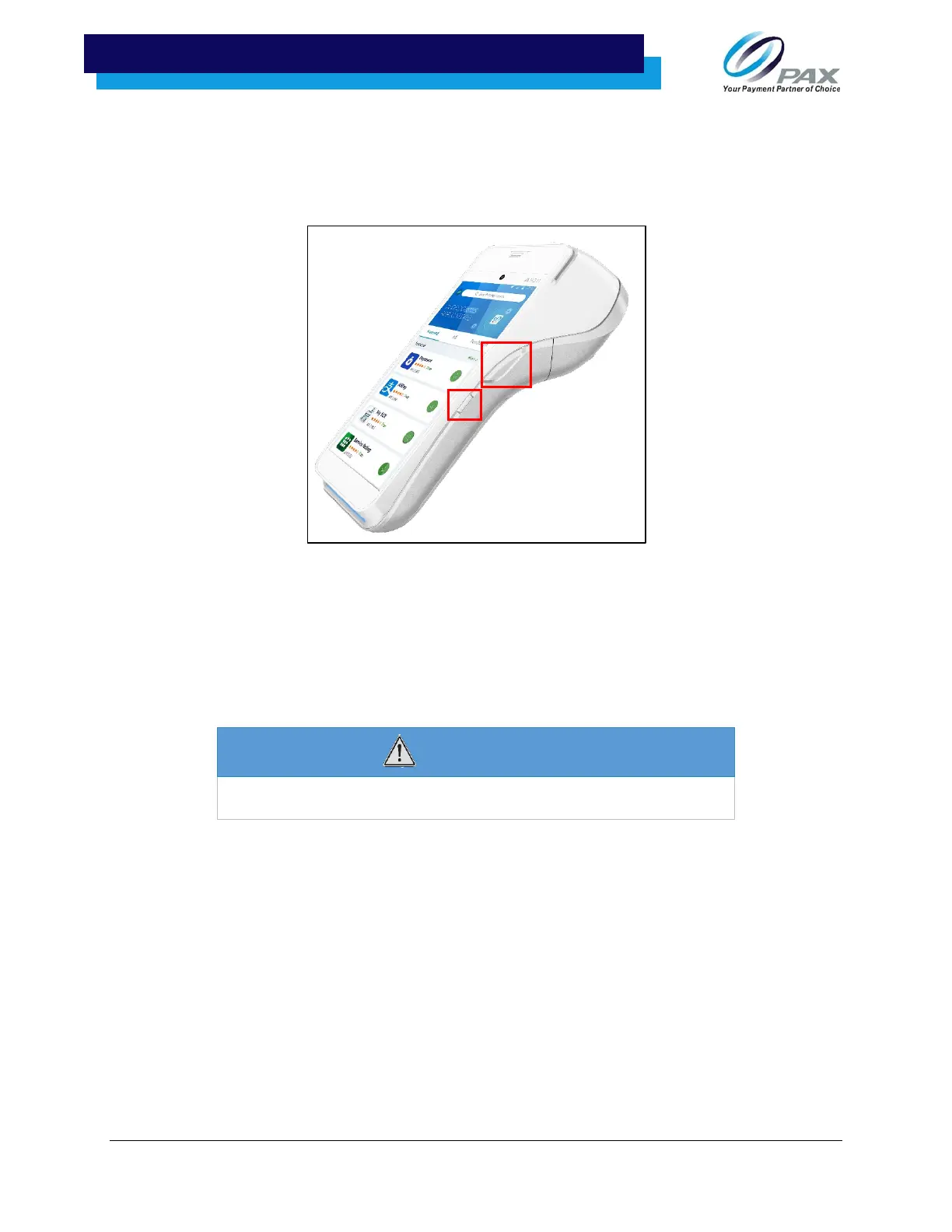
You can take a screenshot with the A920 by pressing the power and the button on the right-hand side of
the device simultaneously.
11.6 Cleaning the Device
•
Do not immerse the device in water or liquid.
•
Do not spray water or cleaner into readers or ports.
•
To clean the screen, apply distilled water or mild glass cleaner onto a soft, lint-free cloth and gently wipe
terminal.
WARNING
Do not use industrial strength or abrasive cleaner as it
may damage or scratch the screen.



 To Next Page
 Loading...













