EasyManua.ls Logo

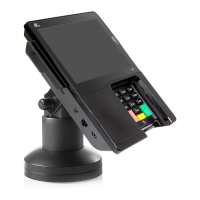
PAX PX7 - Perform Credit Card Sale with Prompt for Tip; Opening Invoice and Adding Item; Selecting Credit Card Payment; Entering Tip Amount on PAX Device

PAX PX7
55 pages
Print Icon
To Next Page IconTo Next Page
To Previous Page IconTo Previous Page
Loading...
33
Perform a Credit Card Sale with Feature Prompt for tip immediately after sale
This feature is only available for CRE Version 13.1xxx and higher
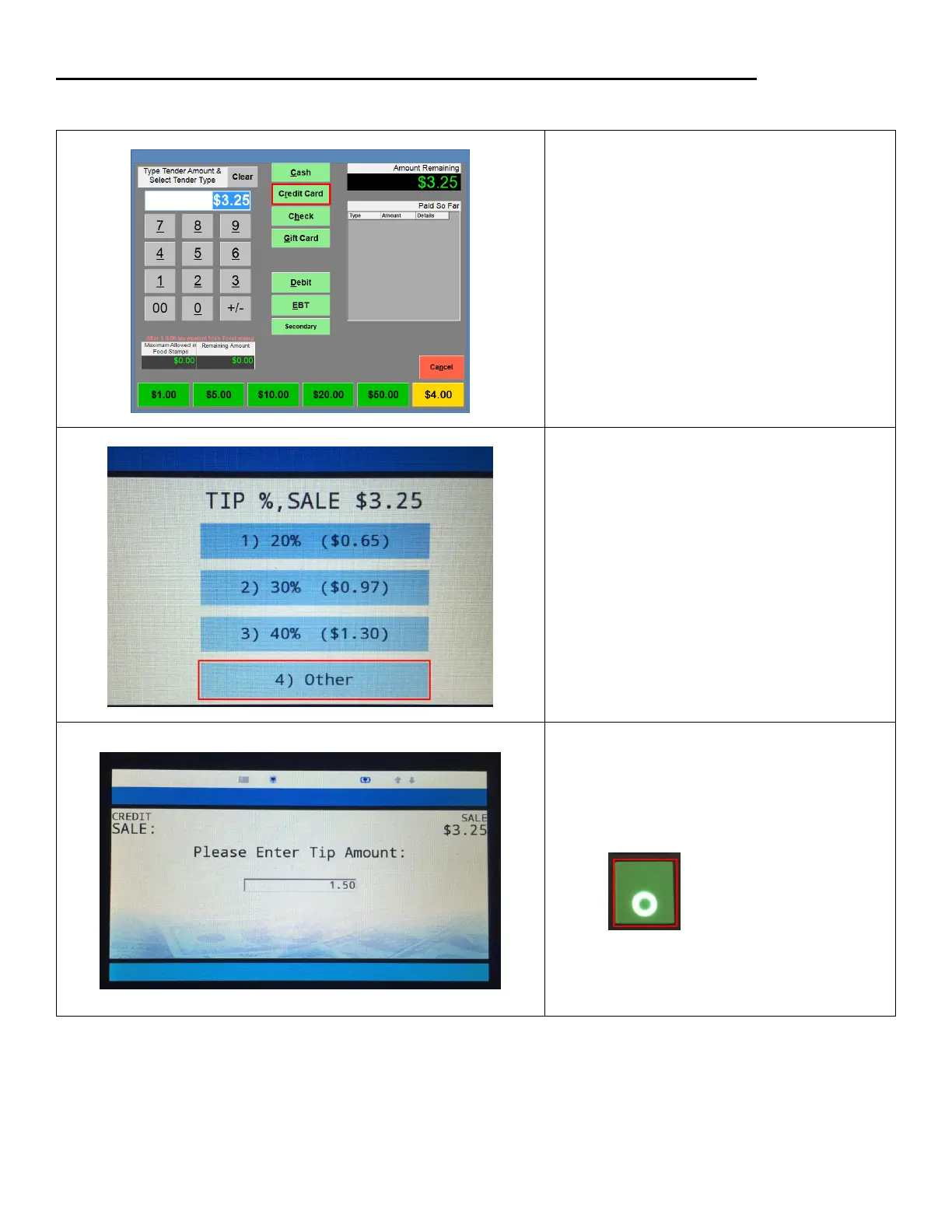
1. Open any invoice.
2. Add an item to the invoice
3. Select PAY
4. Select Credit Card
5. On the Pax device:
Numbers 1-3:
To enter a tip amount based on
the percentage of the Invoice.
Number 4:
To enter your own or zero tip
amount.
6. On the PAX Device:
Enter a tip amount. Select the green button
on the PAX device to submit the amount.
Note: To Enter a tip amount of zero. Leave it at
zero then select green button.

Related product manuals