38 | P a g e
Enabling Contactless Payments
The PAX S300 supports Contactless Payment via contactless enabled cards, Apple Pay, and
Google Wallet. For more information on setting this up, contact your payment processor or visit
the following links: https://www.apple.com/apple-pay/, https://www.google.com/wallet/.
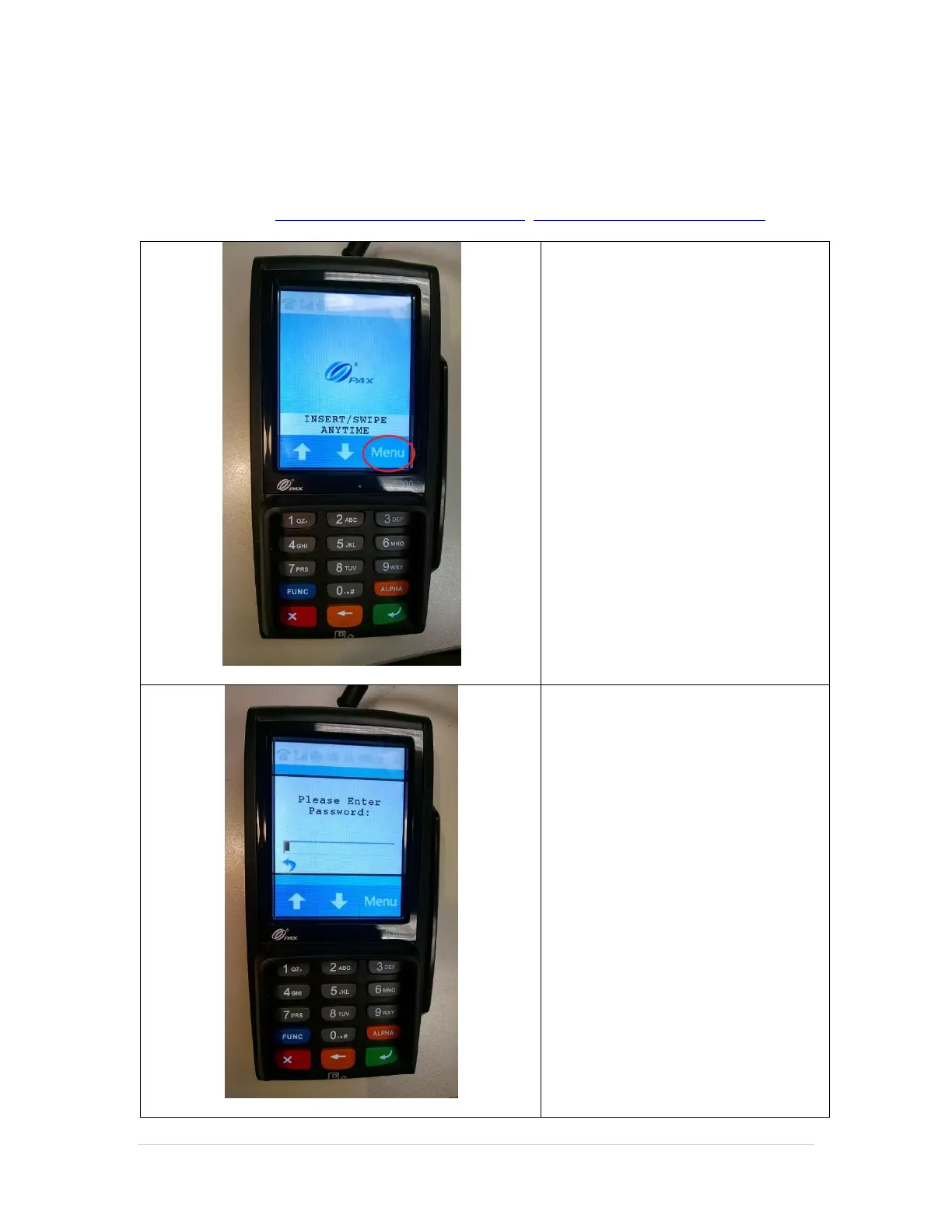
1. Tap on the onscreen Menu
button.
11. Enter the default password
“916860” then press the green
key on the key pad.
If the default password does not
work, you will need to contact your
payment processor for assistance.



 To Next Page
 Loading...











