ООО «ТЛК Трейд» | 196158, г.Санкт-Петербург, Пулковское шоссе, д.30, корп.4, оф. 213В (юр.) | ИНН 7810592830 КПП 781001001
р/с 40702810068000007550 | к/с 30101810200000000704 | Филиал ОПЕРУ ОАО Банк ВТБ в Санкт-Петербурге | БИК 044030704
ОКПО 66035862 | ОКАТО 40284565000 | ОГРН 1107847196060 | т.(812)6499888 | http://www.tlct.ru http://www.rftel.ru
mail@tlct.ru
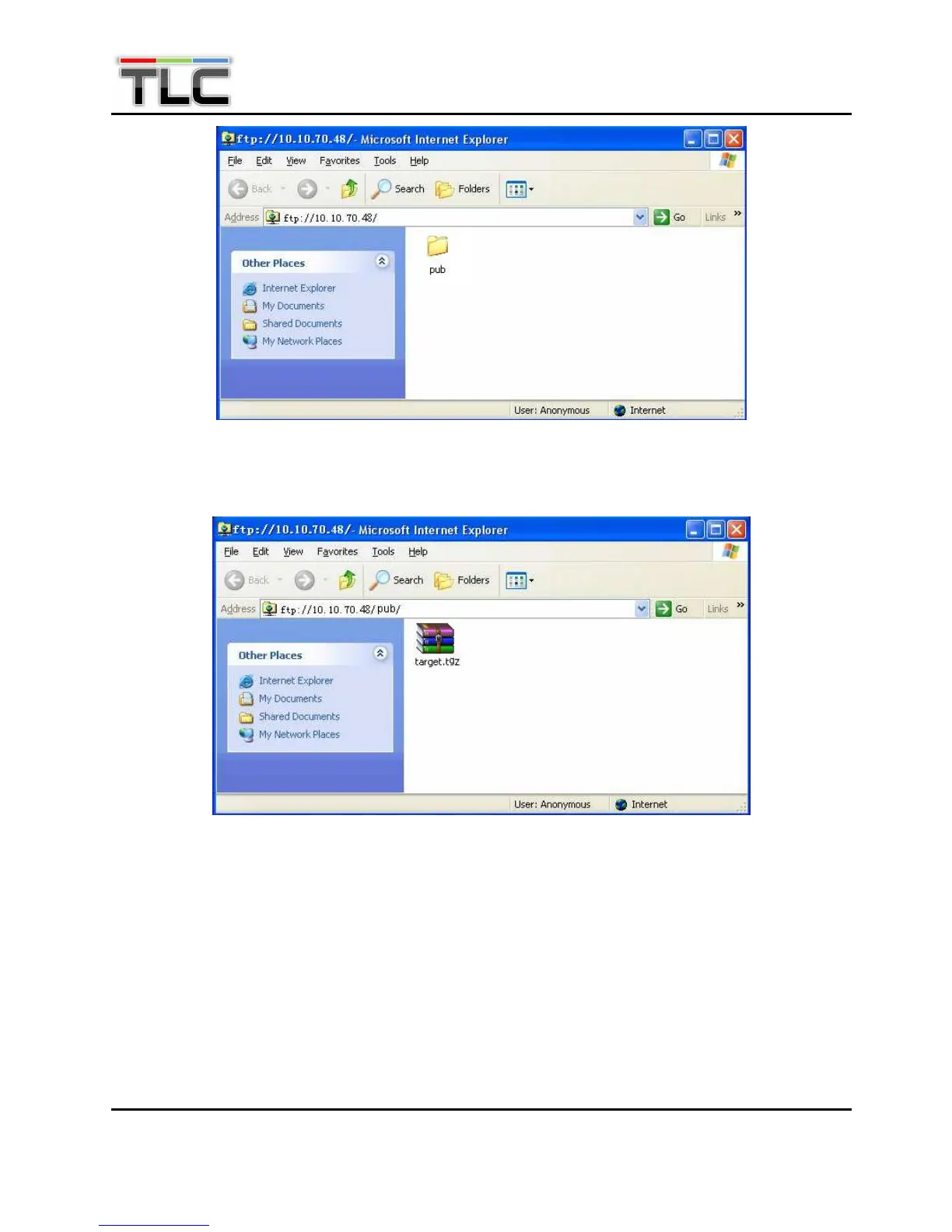
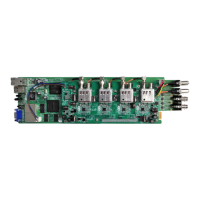
Enter the “ftp://10.10.70.48/pub” folder, then copy the “target.tgz” file in this folder, as shown below.
Open MS-DOS window by typing Start on the lower left quarter of Windows OS. Select Run and key in
“cmd” in dialog and press Enter. Type the command “telnet 10.10.70.48”; the current IP address of the
equipment under software upgrade as below.
Figure 2: Open the FTP folder
Figure 3: Copy “target.tgz” File


 To Next Page