P550c Operation Manual
5 System setup
www.pearpoint.com | 133
Enable the video title page
After designing the title page, you must enable it to automatically add it to all survey videos recorded
subsequently on the controller:
1 Make sure that you have designed the title page; see page 131.
2 In the Home screen, press the Settings button (item 6 on page 33).
3 Choose Settings > Screen Overlay > Video title page.
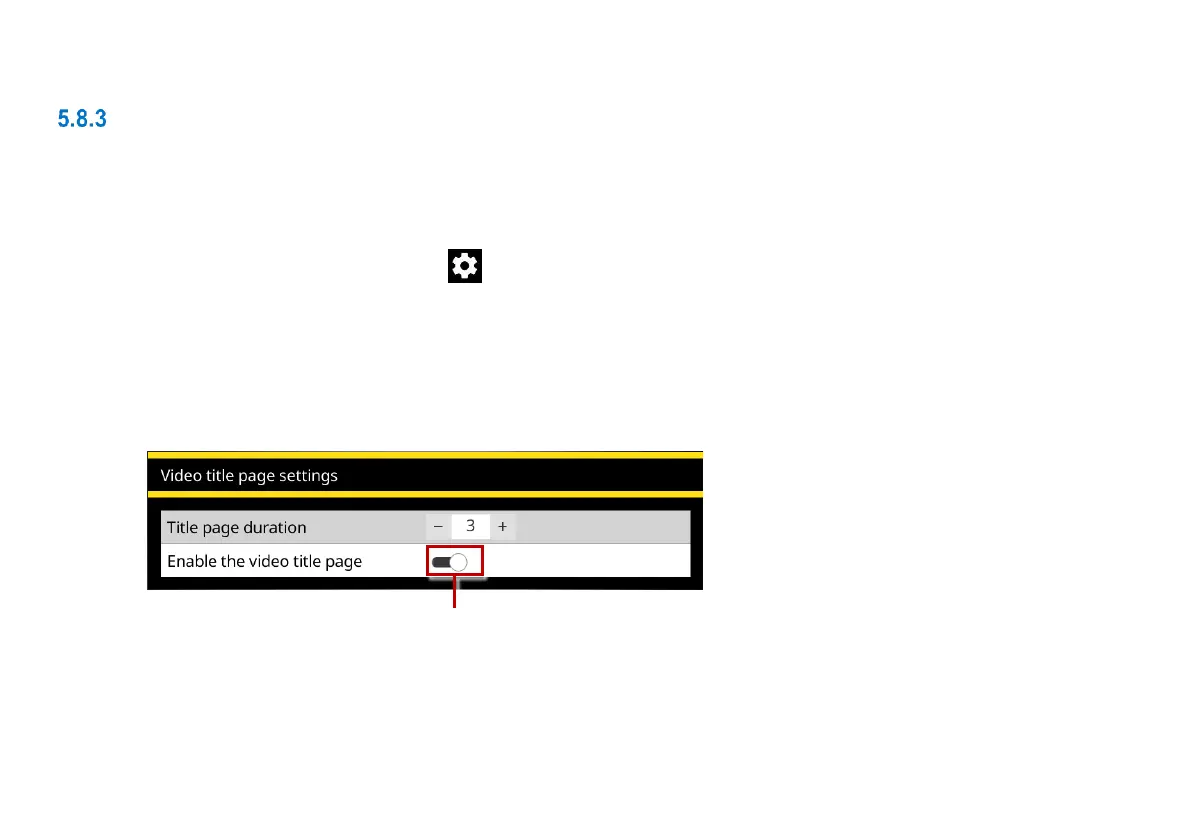
4 Set the Title page duration, in seconds. This controls how long the title page is displayed at the
start of a video.
5 Set the Enable video title page slider to On to enable the title page.
Fig. 5.14 Video Title Page Settings menu. 1 Enable video title page slider (shown in the On position).



 To Next Page