P550c Operation Manual
7 Surveys
www.pearpoint.com | 235
7.8 Menu shortcuts
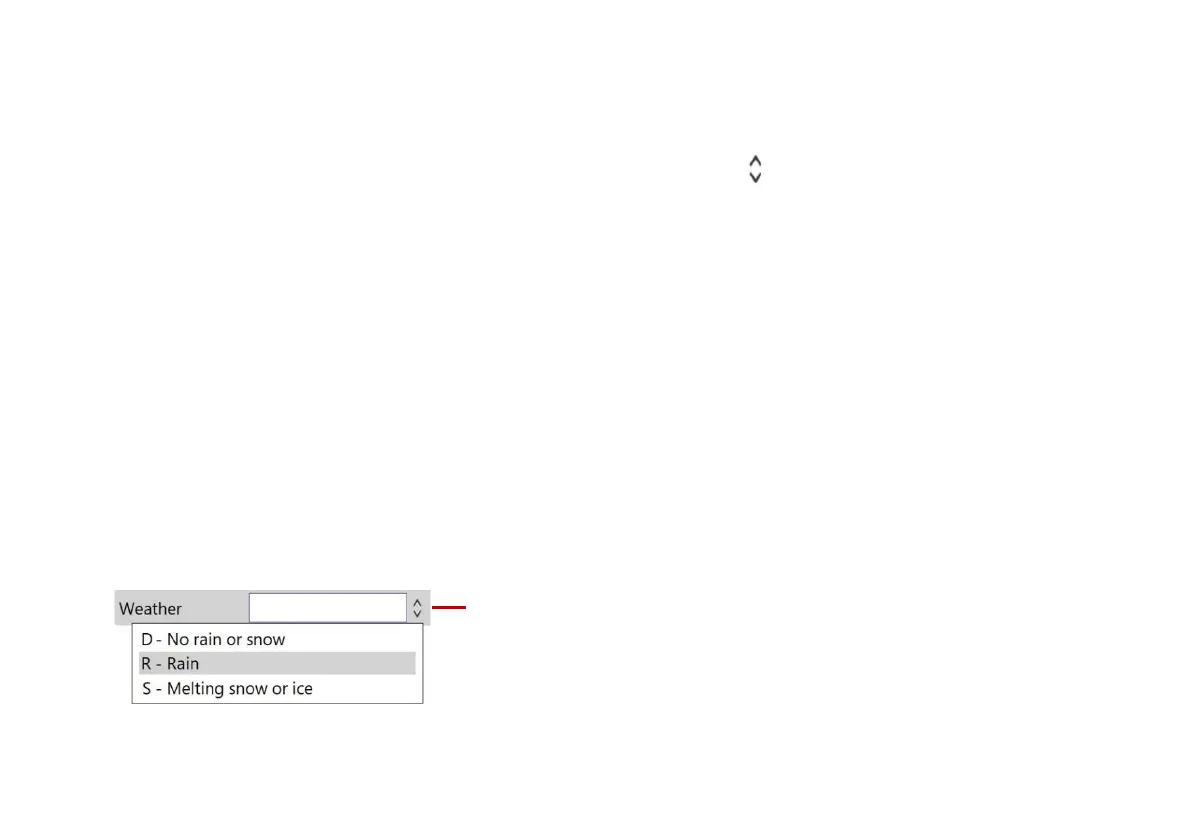
When you create a new survey or add an observation, fields with buttons have a drop down menu.
Press Enter to display the drop-down menu.
Press the arrow keys to select the menu item you want. Then press Enter again.
Type one or more letters to filter the menu by item(s) starting with those letters.
Example: In a Weather field, type ‘r’ to automatically select ‘R - Rain’.
Example: In a Code field, type ‘fw’ to filter the menu to only show flow codes such as
‘FW C - Clear flow’ and ‘FW T - Turbid flow’.
You can also filter the menu by typing any text that appears in a menu item description.
Example: In a Code field, type ‘oxygen’ to filter the menu to only show codes with a matching
description such as ‘OD – Hazardous atmosphere, oxygen deficiency’.
Note: You cannot type ( or ) characters to filter a drop-down menu.
Fig. 7.20: Field with example drop-down menu. 1 Drop-down menu indicator.



 To Next Page