P550c Operation Manual
6 Operating the system
www.pearpoint.com | 193
6.16 Turn off the camera
If the battery level is low on your controller, you can turn off the camera to save battery power:
1 In the Home screen, press the Settings button (item 6 on page 33).
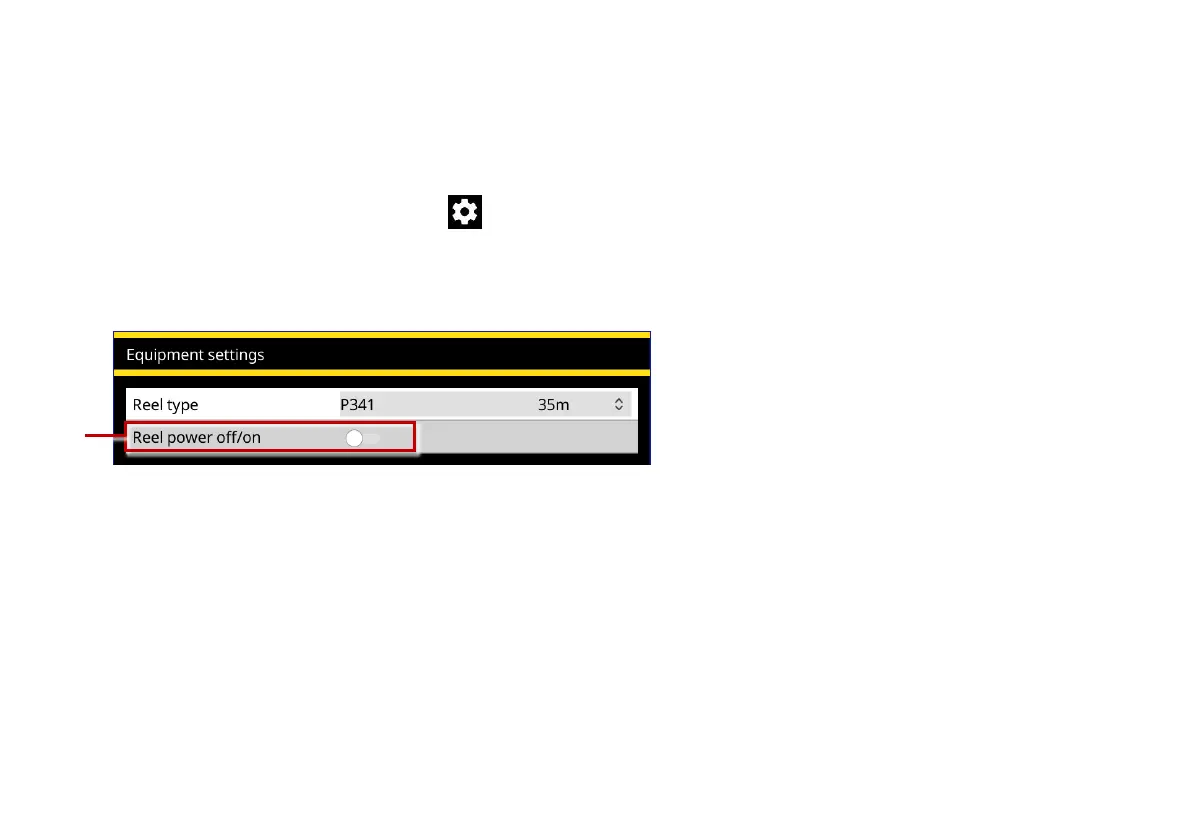
2 Choose Settings > Equipment.
3 Set the Reel power off/on slider to Off.
Fig. 6.28: Equipment settings. 1 Reel power off/on slider (shown in the Off position).



 To Next Page