P550c Operation Manual
5 System setup
www.pearpoint.com | 95
5.3 Setup wizard: Set controller preferences and company details
When you power on the controller for the first time, or after performing a factory reset (see section 10.3),
a setup wizard launches automatically. The wizard comprises several menus where you can set
preferences and company details.
Follow these steps:
1 Power on the controller for the first time.
The setup wizard launches automatically.
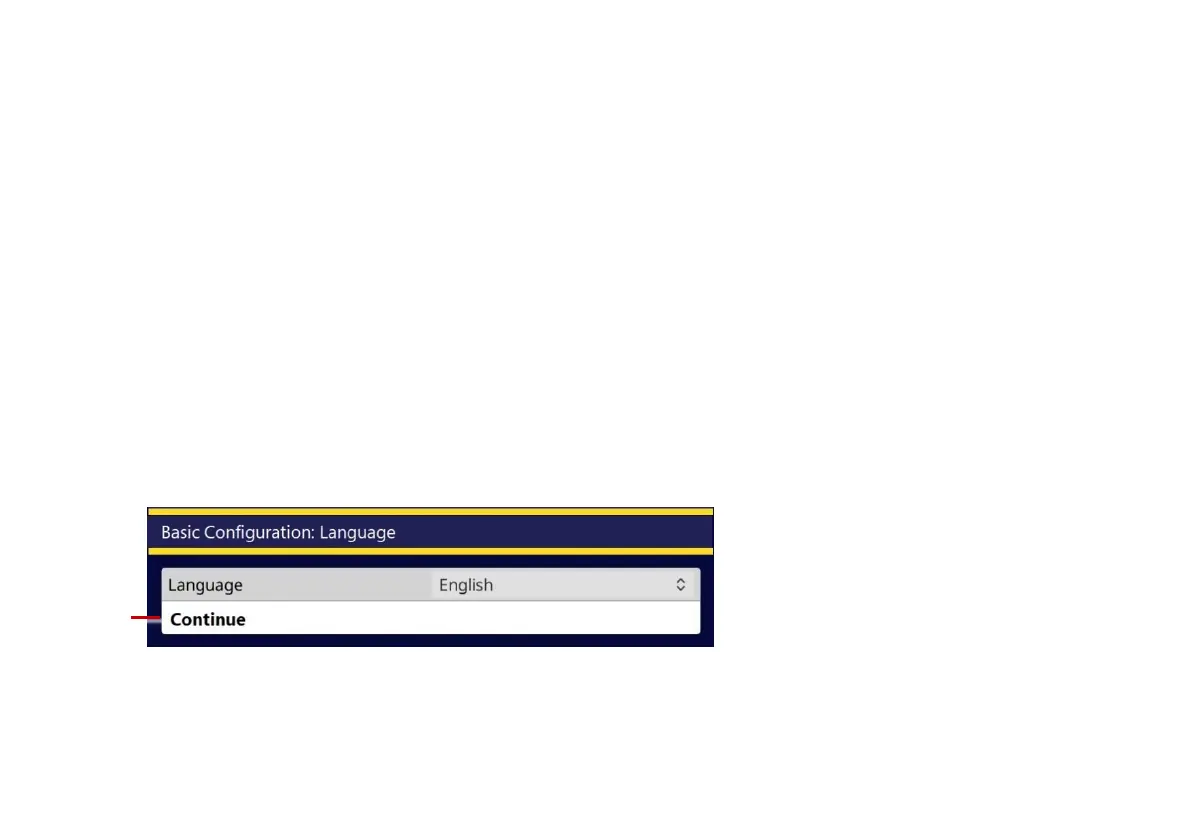
2 Select the controller language.
3 Select the Continue menu item to display the next setup wizard menu.
(Use the Up and Down buttons or press the arrow keys to select menu items.)
Fig. 5.2 Basic Configuration: Language. 1 Continue menu item.



 To Next Page