P550c Operation Manual
5 System setup
www.pearpoint.com | 96
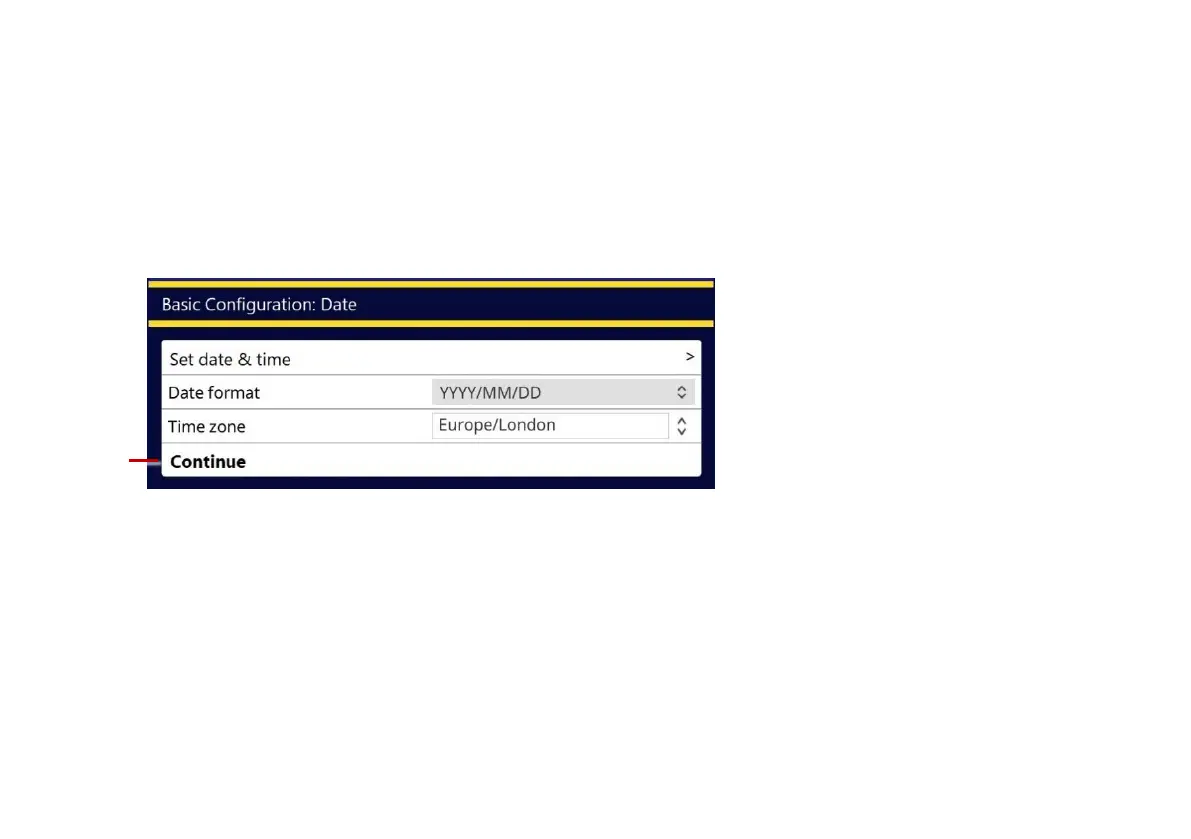
4 Select the controller date and time, date format and time zone. Then select the Continue menu item.
The date and time are shown on the controller screen and, optionally, overlaid on video recordings;
see page 106.
Note: You will need to manually adjust the controller’s time to account for daylight saving time (DST)
clock shifts in your area.
Fig. 5.3 Basic Configuration: Date and time. 1 Continue menu item.



 To Next Page