P550c Operation Manual
6 Operating the system
www.pearpoint.com | 149
6.5 System stop
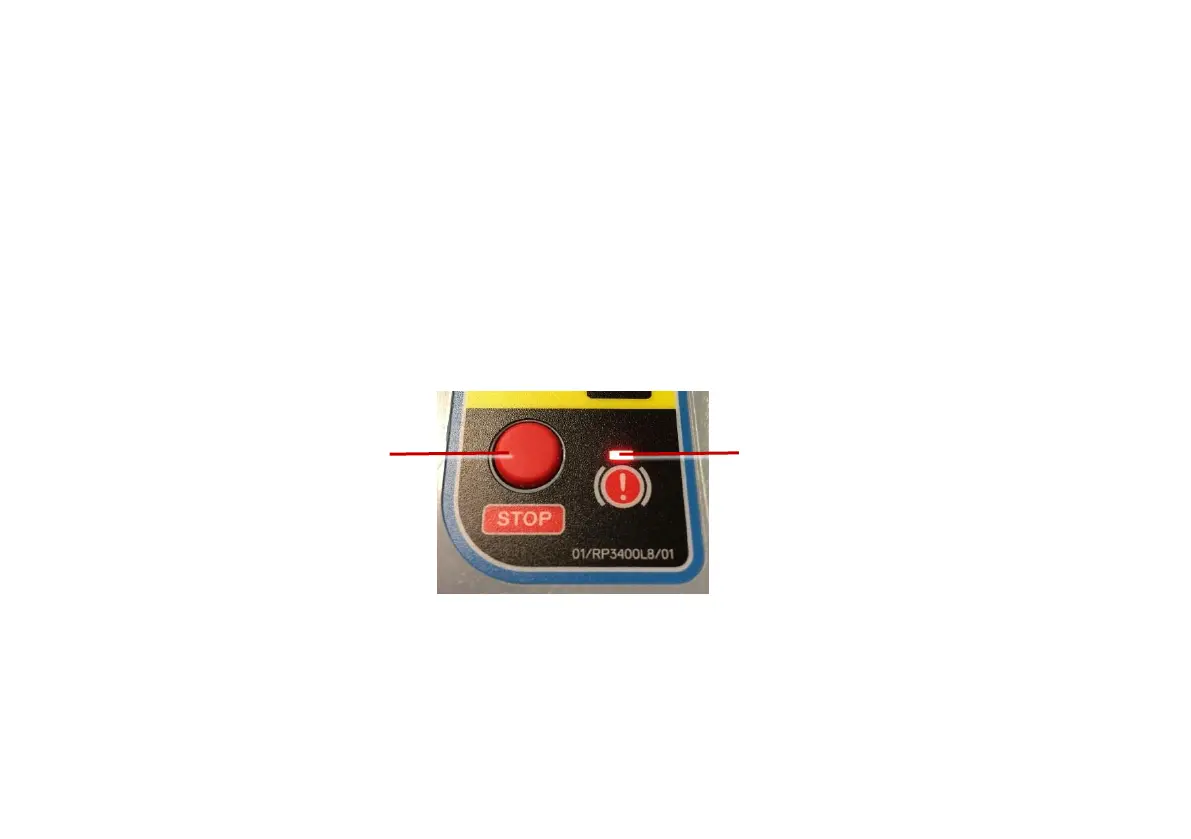
You can stop the drive system, including the crawler and the powered drum by pressing the STOP
button. Pressing the joystick down will also stop the system. See page 156 for details on using the
joysticks.
When using the Pendant, for safety this is controlled via the Pendant or the emergency stop button on
the drum. Pressing the joystick down will stop the system.
While stopped, the crawler will automatically brake, indicated by the red STOP LED lighting
Fig. 6.11 STOP button and red STOP LED



 To Next Page