P550c Operation Manual
6 Operating the system
www.pearpoint.com | 183
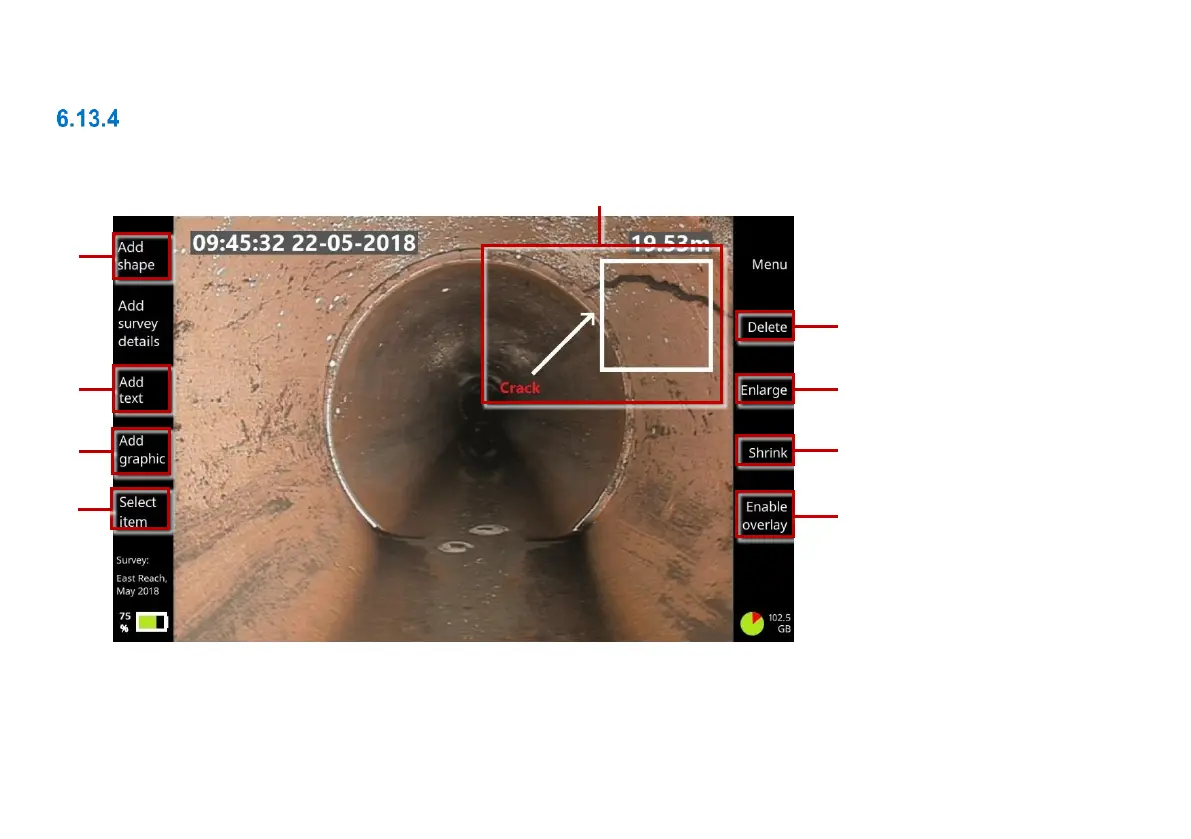
Add overlay text and shapes to video segments
While recording a survey video, you can add text and shapes to highlight pipe defects. These overlays
are displayed over the video footage.
Fig. 6.24: Adding overlay items to a video recording. 1 Overlay text and shapes.
Buttons: 2 Add shape. 3 Add text. 4 Add graphic. 5 Select item. 6 Delete item.
7 Enlarge item. 8 Shrink. 9 Enable overlay / Disable overlay.



 To Next Page