P550c Operation Manual
7 Surveys
www.pearpoint.com | 203
Edit the survey header details
If required, you edit any header details in your existing surveys. Follow these steps:
1 In the home screen, press the Existing surveys button.
2 In the Existing Surveys screen, open the survey you want to edit.
3 Press Edit survey header button.
4 When the Survey Header screen opens, tab to the field you want and enter the new details.
- The current field is highlighted in gray.
- Mandatory fields are highlighted in yellow. Press the Super tab button or Tab key to tab through the
mandatory fields only.
- Press the arrow keys to move through all the header fields.
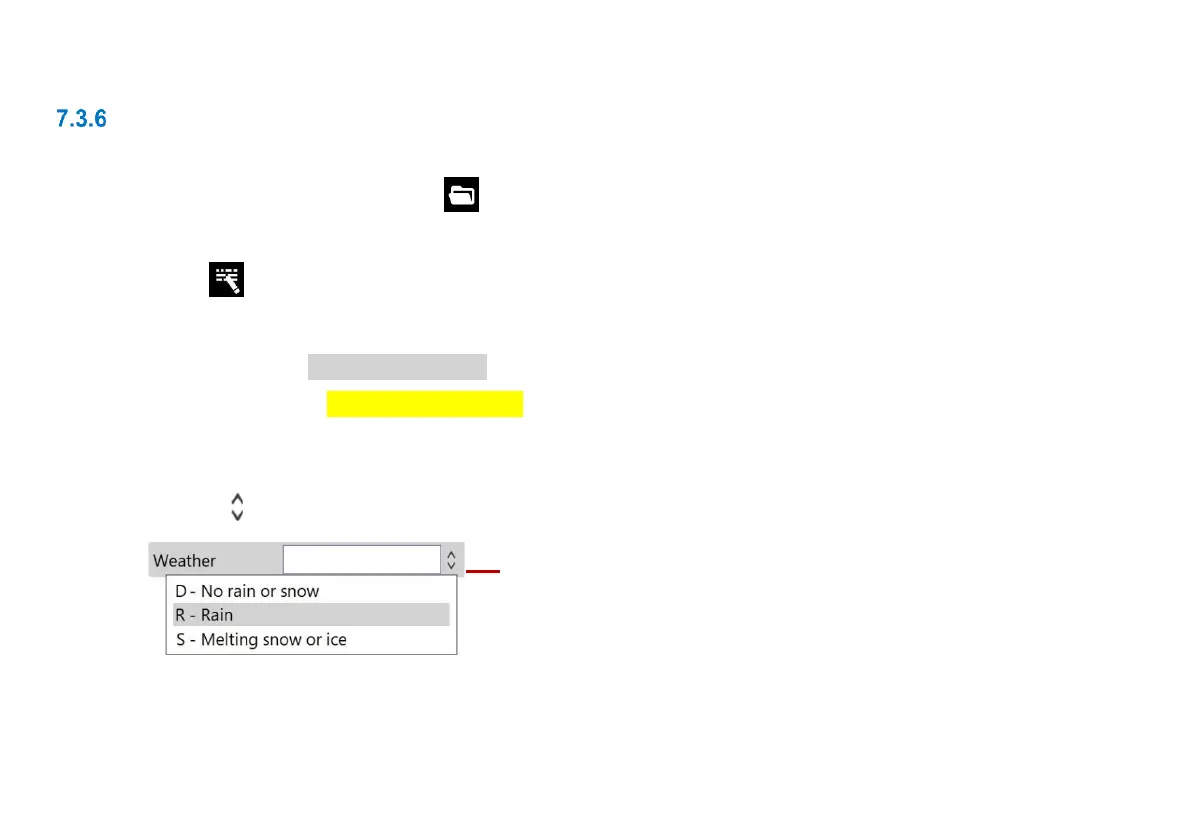
- Fields with buttons have a drop-down menu. For drop-down menu shortcuts, see page 233.
Fig. 7.4: Field with example drop-down menu. 1 Drop-down menu indicator.
5 Press the Save button.



 To Next Page