P550c Operation Manual
7 Surveys
www.pearpoint.com | 225
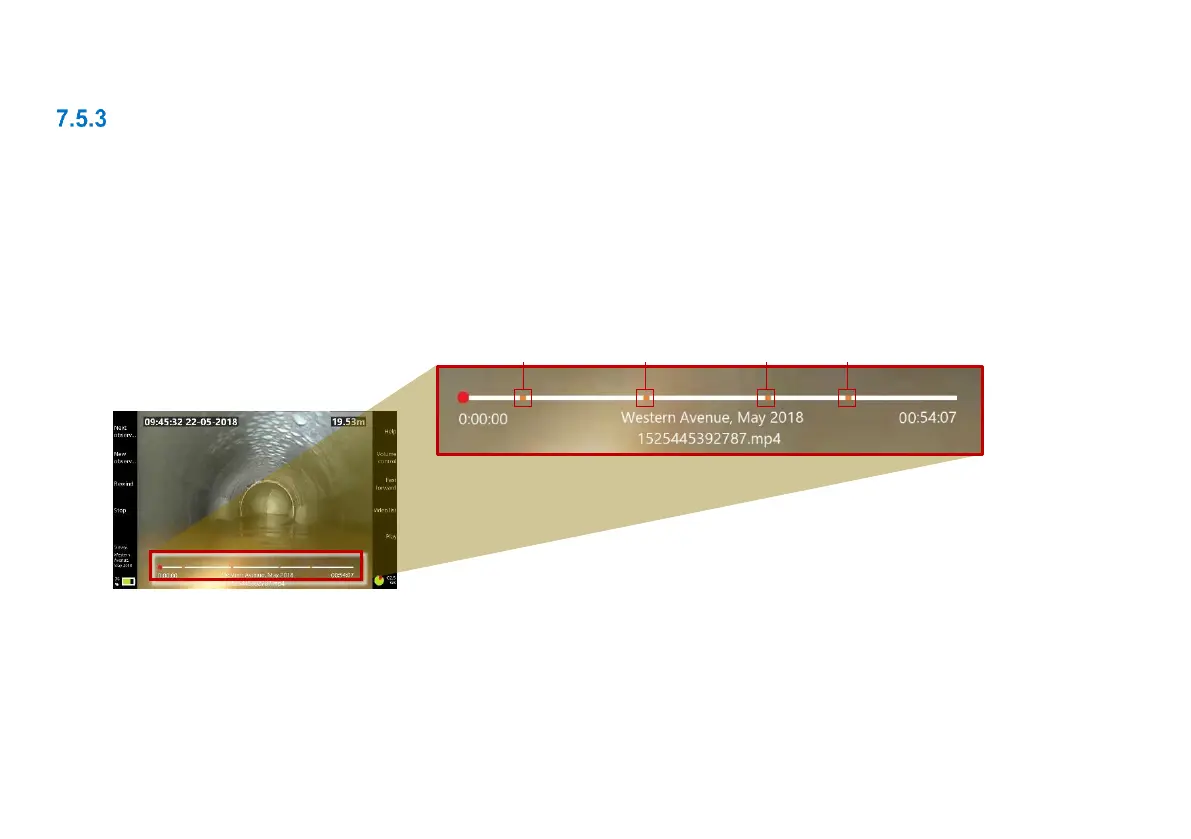
Jump to observations when playing back a video
You can quickly review video segments that correspond to observations when you play back a video.
Follow these steps:
1 Play the video; see page 188.
2 Press the Next observation button to jump to each observation in turn.
Note: You can also use the Next observation button while the video is paused.
Fig. 7.15: Video progress bar (1) showing position of observations (2)



 To Next Page