P550c Operation Manual
8 WinCan PC connections
www.pearpoint.com | 248
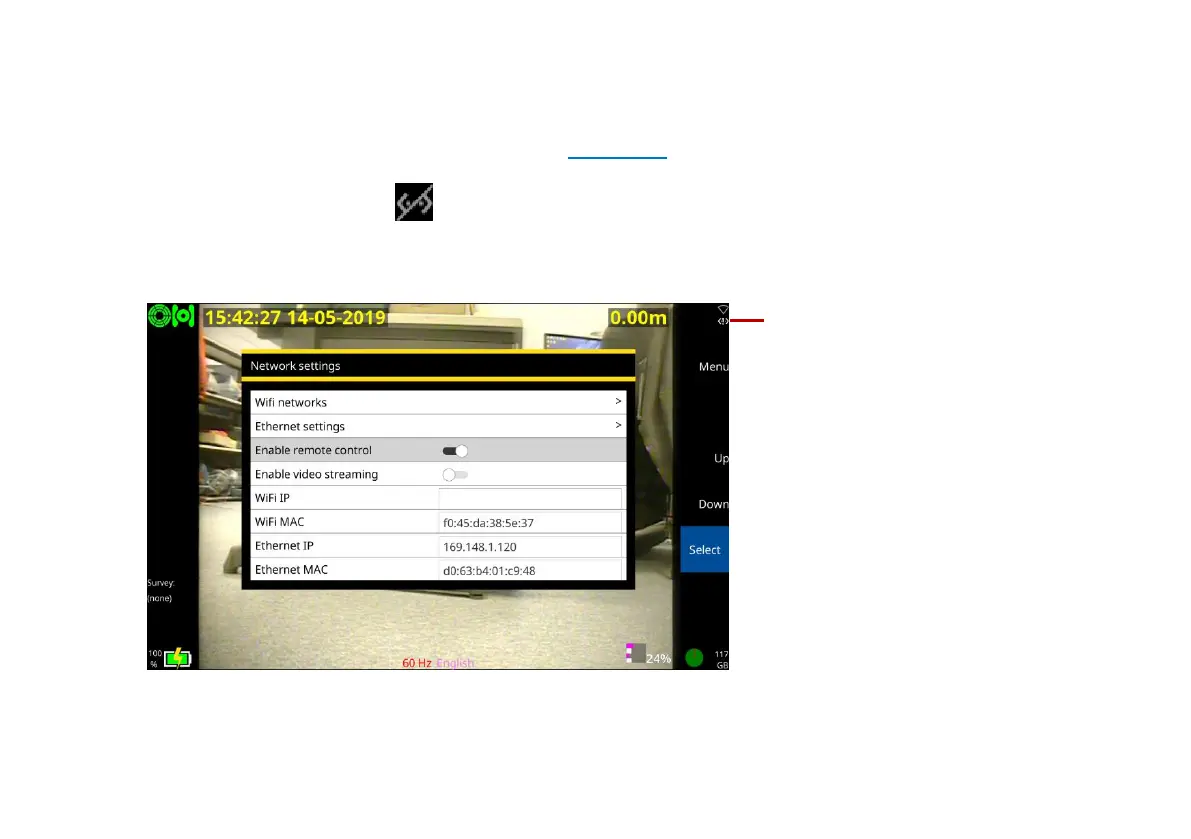
6 Confirm that the P550c controller’s Ethernet icon in the top right hand corner of the display shows
that the connection is enabled as shown in Figure 8.1.
A line through the icon, , means that you do not have a connection. Please repeat the steps
above to ensure all values have been entered correctly.
7 Select Enable remote control.
Fig. 8.4: Network settings screen showing Remote control enabled. 1 the Ethernet icon signifying a
good connection



 To Next Page