P550c Operation Manual
4 System assembly
www.pearpoint.com | 79
3 (1" and 2" cameras only) For optimal image quality, adjust the camera focus to match the internal
diameter of the pipe:
a. Power on the rod and make sure camera’s view is displayed on the controller screen.
b. Position the camera at the required distance from a suitable target object (see Table 4.1
on page 80).
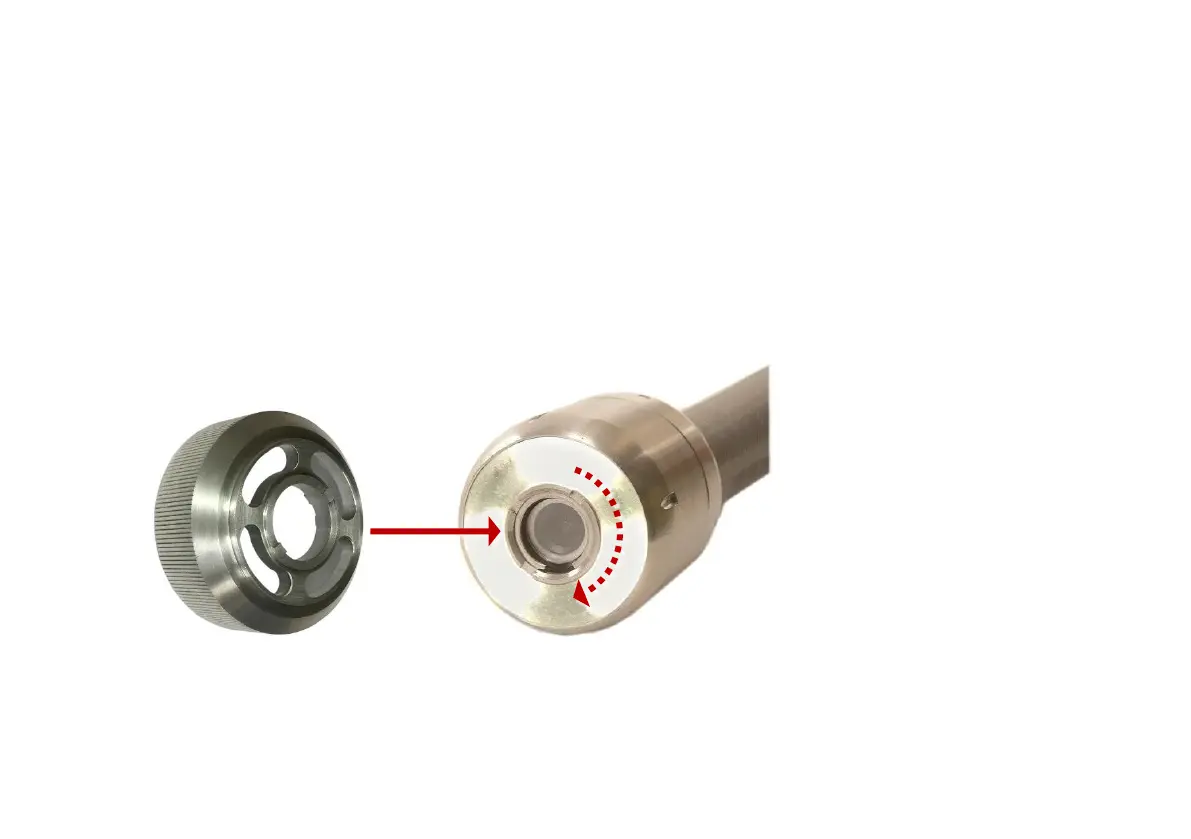
c. Use the camera’s focus tool (supplied with the system) to turn the focusing ring until the
target object is in focus on the controller screen.
Fig. 4.25 Camera focus tool. Attach the focus tool (1) to the camera’s focusing ring (2) and rotate to
adjust the camera focus.



 To Next Page