P550c Operation Manual
5 System setup
www.pearpoint.com | 98
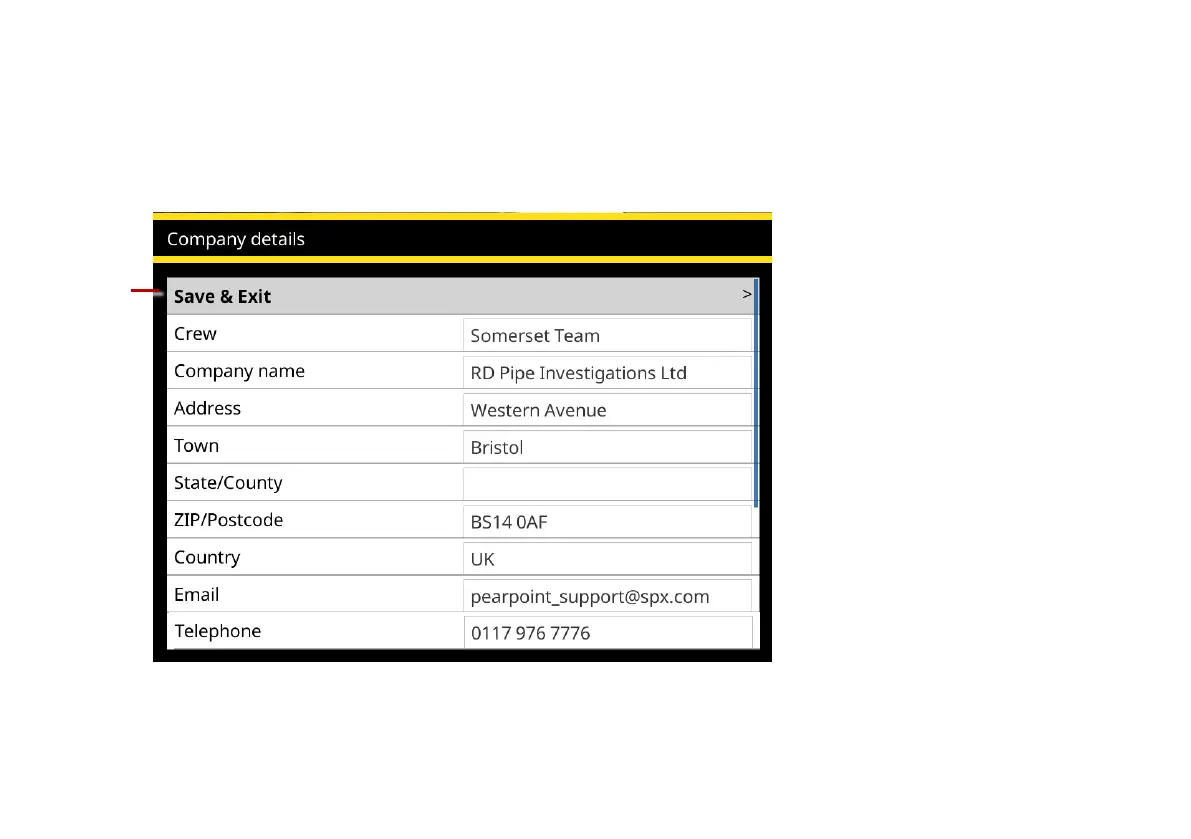
6 Enter your company details. Then select the Save & Exit menu item to quit the setup wizard.
The controller will use these details to personalize the title page of your survey reports. You can also
import an image of your company logo, though you may prefer to do this later; see page 128.
Fig. 5.5 Basic Configuration: Company details. 1 Save & Exit menu item.
7 The controller now prompts you to select the reel type and calibrate the reel; continue to page 99.



 To Next Page