Wiring - Fan Powered Boxes
Series Fan Powered Terminal Box
AHU
SUPPLY
INDUCED
AIRSTREAM
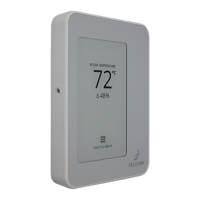
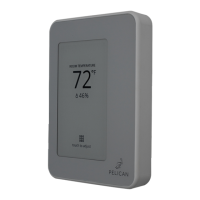
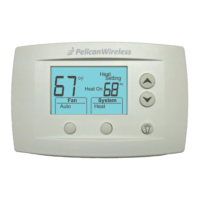
Pelican Thermostat
Discharge Air
Sensor
(10K Type II)
PELICAN
TA1
7
START/STOP INPUT
REHEAT
COIL
PRIMARY
DAMPER
SERIES
TERMINAL
FAN
24V AC POWER
DATA
COMMON
COMMON
NEUTRAL
VOLTAGE
24 VAC
RELAY
3
2
1
12
6
2
Terminal Fan Powered Boxes:
◦ Series Fan - Page 29
◦ Parallel Fan - Page 30
Pelican thermostats and accessories can be wired and
configured to control a Series and Parallel fan powered
boxes. Refer to the “ Intallation Planning - Vairable Air
Volume with Fan Powered Boxes” diagrams on page 10
for the most common applications.
It is essential to follow these diagrams, as the
controller’s outputs are closely linked to their
configured functions. Verify proper mechanical
operation before and after installation and ensure that
all configurations are accurate for your installation.
For installations outside of these diagrams, stop what
you are doing and contact Pelican support for further
assistance.
4
The zone thermostat sends 24V AC from [G] to enable
the terminal fan during cooling, heating, and ventilation
cycles. When 24V AC is removed, the fan is disabled.
The primary damper is only open for cooling and
ventilation cycles, while reheat uses the induced air
duct.
Note: As shown in the diagram, install a discharge air
sensor to ensure proper operation. Refer to page 16 for
detailed wiring diagrams of accessory.
29



 To Next Page
 Loading...