Operators Manual Model PT2000/H Series Gas Monitor Rev 2. January 2014
Flow Chart
Sensor Calibration
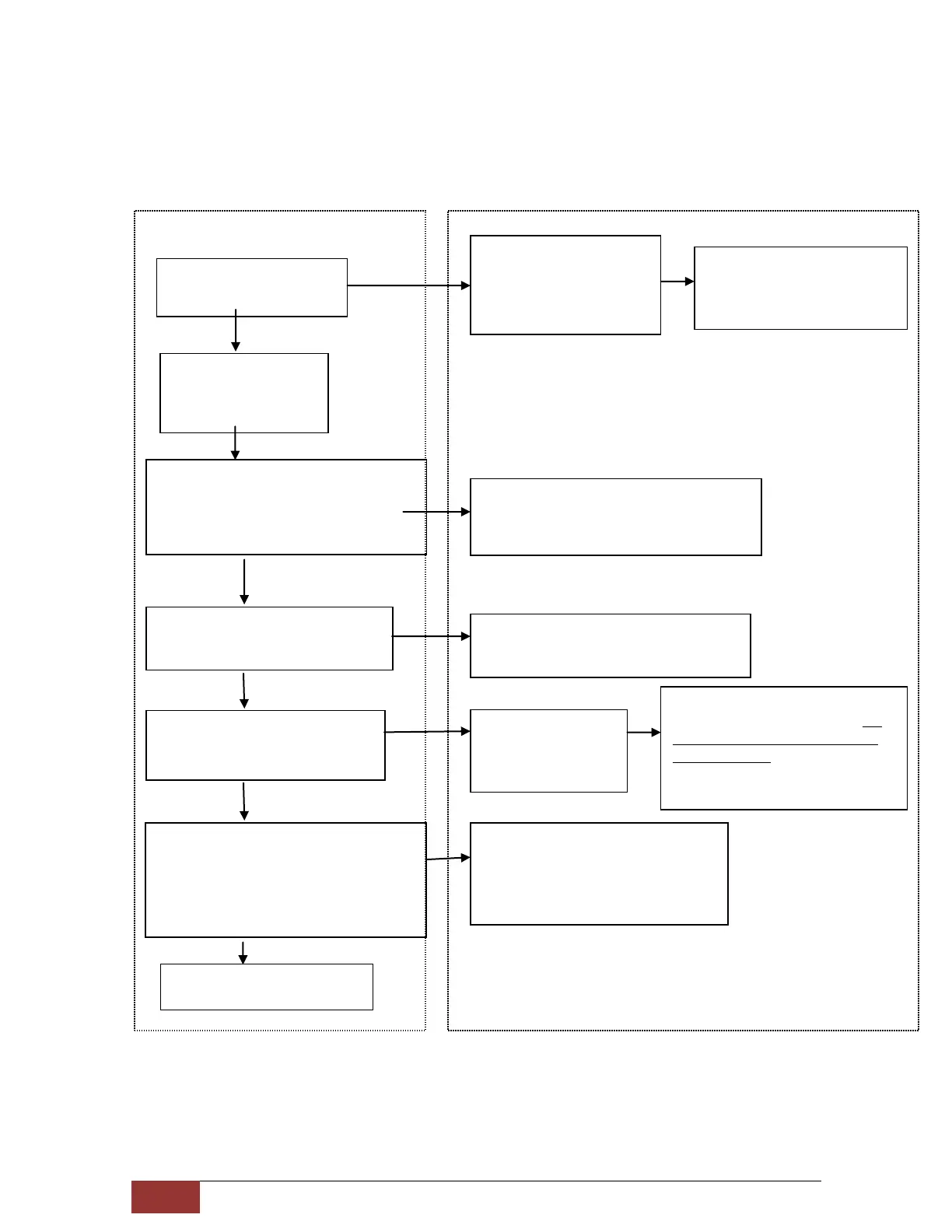
User Action Sensor Display / Response
Initiate Calibration via
magnetic switch
CALis displayed for 5 to
10 seconds
Sensor makes initial
adjustments
Calib.gas value flashes on the
display and sensor waits for
the gas to be applied
Apply Calib Gas within 60 seconds to
avoid “Calibration Time Out”. Change
the value of calibration gas being used if
required.
Display flashes calibration gas value at the
slower rate when the gas is detected by the
unit
Apply Calib Gas for 1-2 minute
Display flashing once every second
1-2 minute calibration time ended
Adjstngis
displayed for few
seconds
Sensor making final adjustments
and recording calibration data.Do
not remove the gas while ADJ is
being displayed
Remove Calib Gas when displayStarts
flashing rapidly (approximately 5
times per second)
Display flashes rapidly for about 10
seconds. Returns to normal
operation when sensor has cleared
Sensor Calibrated
Successfully
Wait till display
flashes Calibration gas
value



 To Next Page