Returning Changed Settings to Their Defaults (Reset)
136
6
Settings
You can reset the camera settings to their defaults.
The language, date and time, world time, and video output format are not
affected.
1 Press the 3 button.
The [Menu] appears.
2 Touch [Setting].
The Setting screen appears.
3 Touch [w].
The next page of the Setting screen appears.
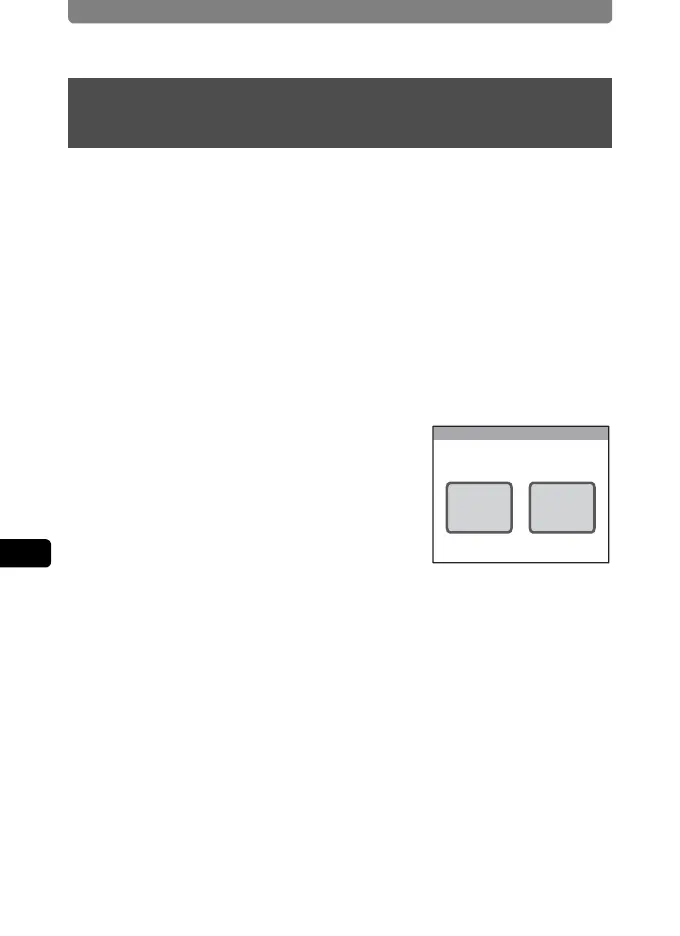
4 Touch [Reset].
The Reset screen appears.
5 Touch [Reset].
The settings are reset and the camera returns to Capture mode.
Returning Changed Settings to Their Defaults
(Reset)
Reset
Reset Cancel
Reset to initial setting?



 To Next Page
 Loading...






