50 5150 51
Aperture Adjustment
You can adjust the aperture value. Selecting
a large aperture opening will emphasize the
point of focus and show a blurry background
and foreground. A small aperture opening
will keep both the background and main
object in clear focus.
(Adjustable in Mode)
100 ISO-1.0 EV-1.0 EV 100 ISO
1/50
1/50
F3.2F3.2
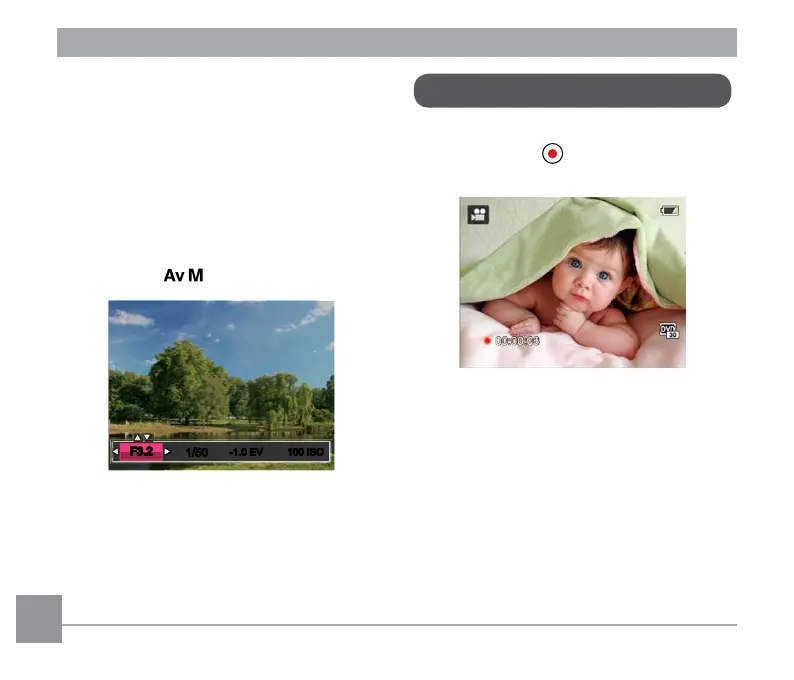
Using Quick Recording
In shooting mode, press the Fast Video
Recording Button to begin recording
video.
Press the Fast Video Recording Button or
the Shutter Button to stop and store the
video. The camera will return to shooting
mode automatically.



 To Next Page
 Loading...










