84 8584 85
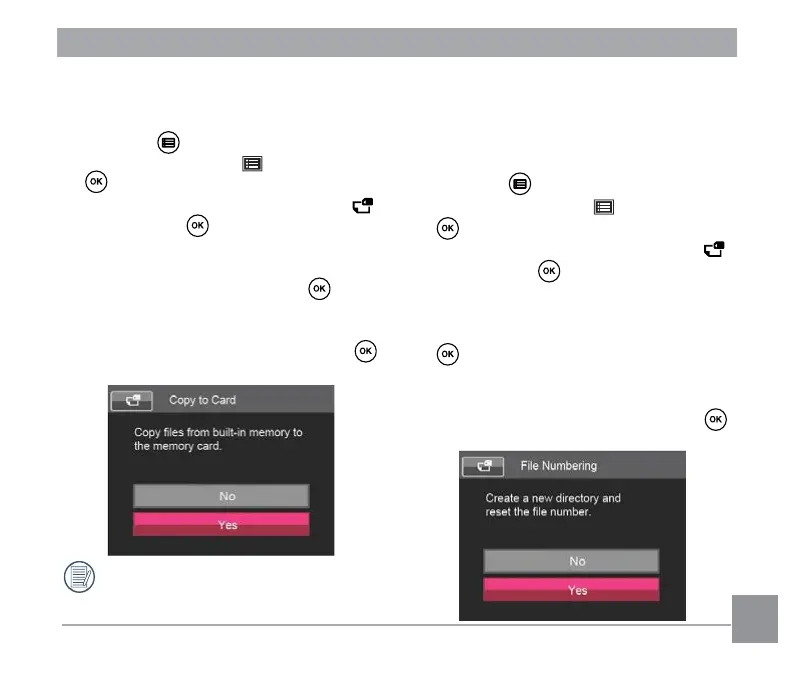
Copy to Card
Use this setting to copy the les stored in the
internal memory to a memory card.
1. Press the button, press the up/down
arrow button to select and press the
button to enter the menu.
2. Press up/down arrow button to select
and press the button or right arrow
button to enter the menu.
3. Press the up/down arrow button to select
「Copy to Card」and press the button
or right arrow button to enter the menu.
4. Press the up/down arrow buttons to
select「Yes」or「No」and press the
button to conrm.
If there is no card available in the
camera, this function will not be
displayed.
File Numbering
After you take a picture or video clip, the
camera will save it with a sequential number.
You can use this setting to reset the le
numbering to 0001.
1. Press the button, press the up/down
arrow button to select and press the
button to enter the menu.
2. Press up/down arrow button to select
and press the button or right arrow
button to enter the menu.
3. Press the up/down arrow button to
select「File Numbering」and press the
button or right arrow button to enter
the menu.
4. Press the up/down arrow buttons to
select「Yes 」or「No」and press the
button to conrm.



 To Next Page
 Loading...










