86 8786 87
FW Version
Use this setting to display the current
camera rmware version.
1. Press the button, press the up/down
arrow button to select and press the
button to enter the menu.
2. Press up/down arrow button to select
and press the button or right arrow
button to enter the menu.
3. Press the up/down arrow button to
select「FW Version」and press the
button or right arrow button to display the
current version.
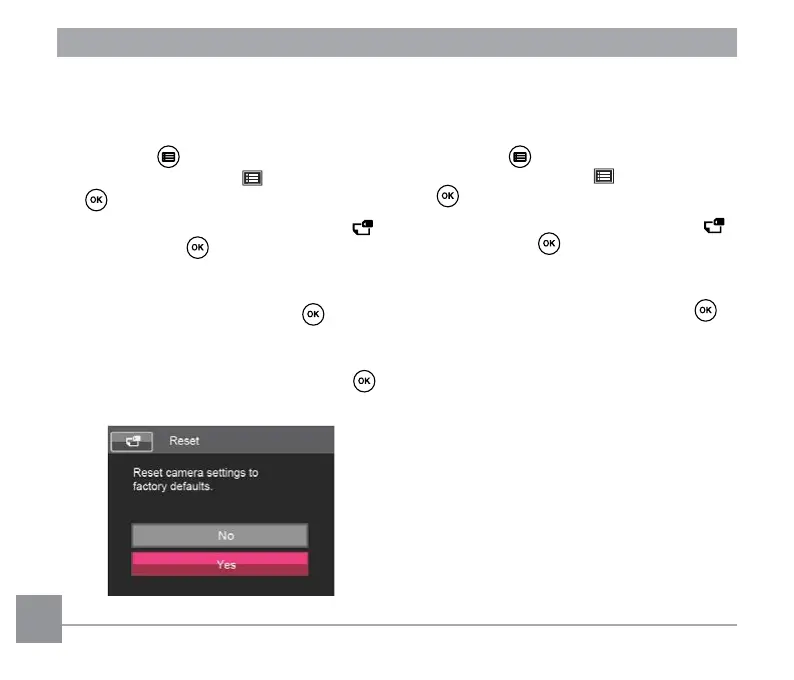
Reset
Use this setting to restore the camera to its
original default settings.
1. Press the button, press the up/down
arrow button to select and press the
button to enter the menu.
2. Press up/down arrow button to select
and press the button or right arrow
button to enter the menu.
3. Press the up/down arrow button to
select「Reset」and press the button
or right arrow button to enter the menu.
4. Press the up/down arrow buttons to
select「Yes 」or「No」and press the
button to conrm.



 To Next Page
 Loading...










