Operation
24 | 40 Operating instructions Sortimat | Edition 1
Remove the selecting device and close the cover.
Broken and round grains remain in the recesses of the selecting device. Empty the selecting device
into a large collecting tray.
Use the cleaning brush supplied with the product to remove grains that are stuck in the recesses.
7.5 Switching the SORTIMAT on and off
Remove the drawer with the collecting trays before the start of sorting.
Set the required sorting time (1-9 minutes) using the coding switch. The standard sorting time is three
minutes. See chapter 7.1 for a description of the control elements.
Switch the SORTIMAT on using the main switch. The "On" LED lights up.
Press the start key. The "On" LED goes out and the "Operation" LED lights up. The SORTIMAT switches
off automatically after the set sorting time.
Switch the SORTIMAT off using the main switch.
7.6 Emptying the sample
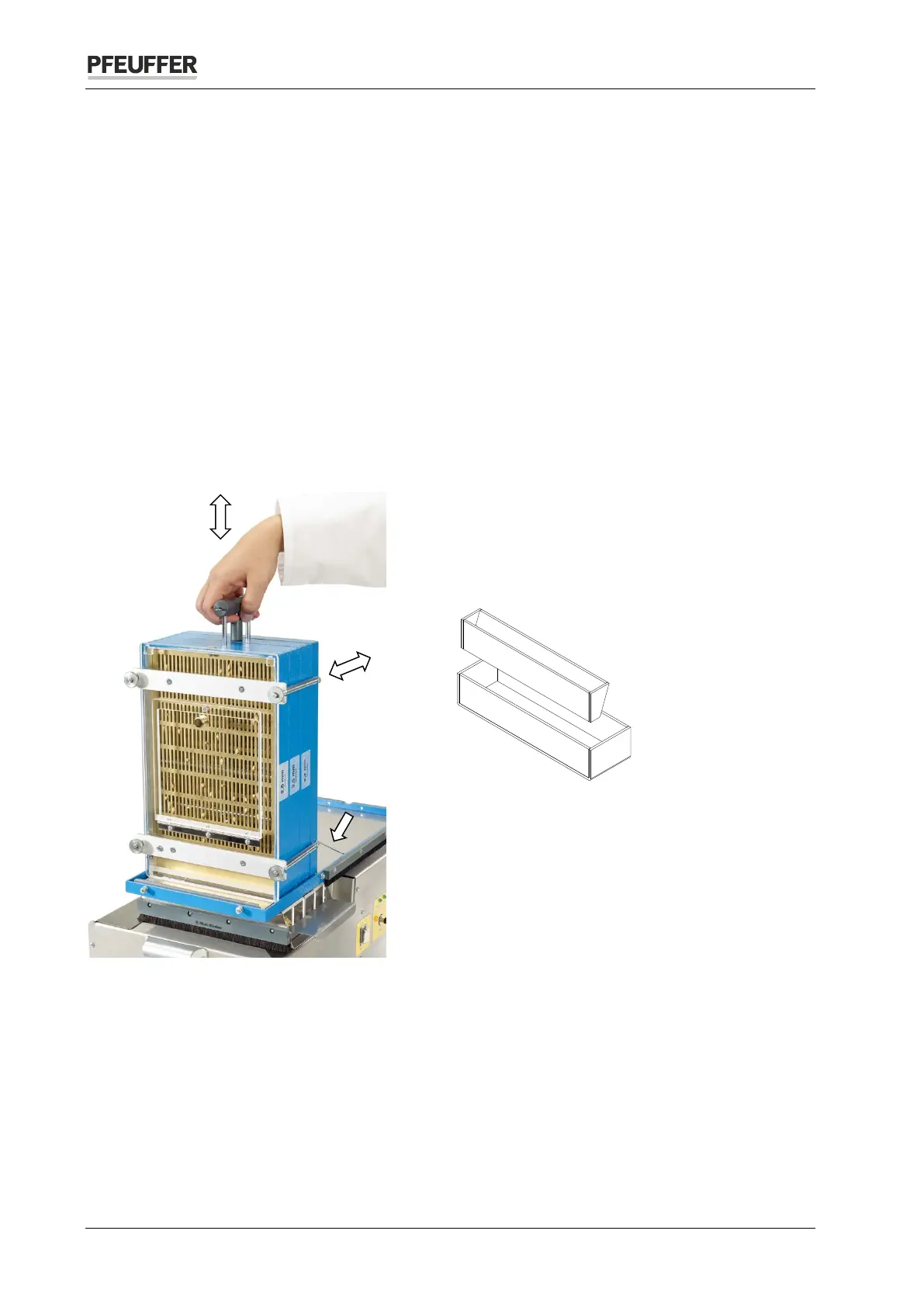
Figure 9: Tipped sieve stack
Push the drawer with the collecting trays on the
left next to the sieve stack into the drawer cabinet.
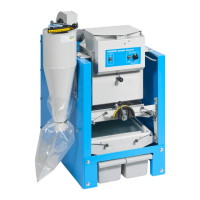
When sorting malt, use the collecting tray for malt,
see chapter 11 for article number.
Figure 10: Collecting tray for malt
Lift the sieve stack through 90° using the pull
handle of the sieve cleaning device. The safety
spring engages.
Pull out the slide as far as the stop. The individual
fractions drop directly into the corresponding
collecting trays.
Pull the pull handle of the sieve cleaning device upward as far as the stop and then press it back down
again.
Repeat this procedure 2 or 3 times.
Press the safety spring down and swivel the sieve stack back to its initial position.
Close the slide.
Remove the drawer with the individual collecting trays.


 To Next Page