32
3.1.3 Auxiliary Power Supply Installation
Step 1: Check Power Supply Voltage and Power
Make sure that the auxiliary power supply’s voltage is 22.8 ~ 25.2Vdc, and it can provide 6A, 140W
power.
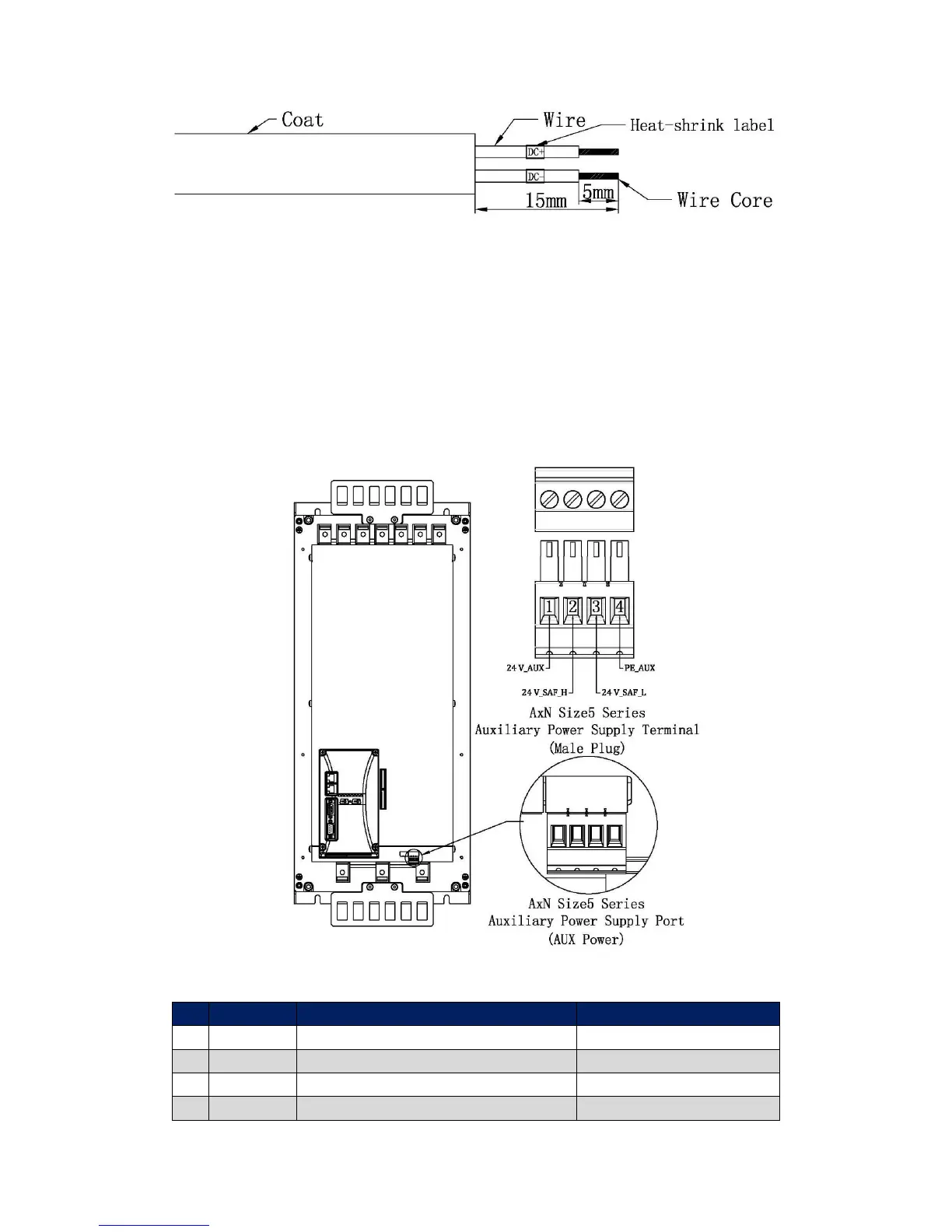
Step 2: Find out the Auxiliary Power Supply Port (AUX_Power)
AxN Series Drive’s Auxiliary Power Supply Port (Female Plug, 4Pin) is on the right bottom of the
drive. And a corresponding Auxiliary Power Supply Terminal (Male Plug, 4Pin) is provided in the
accessories. Refer to the following figure for exact location.
Terminal Configuration



 To Next Page