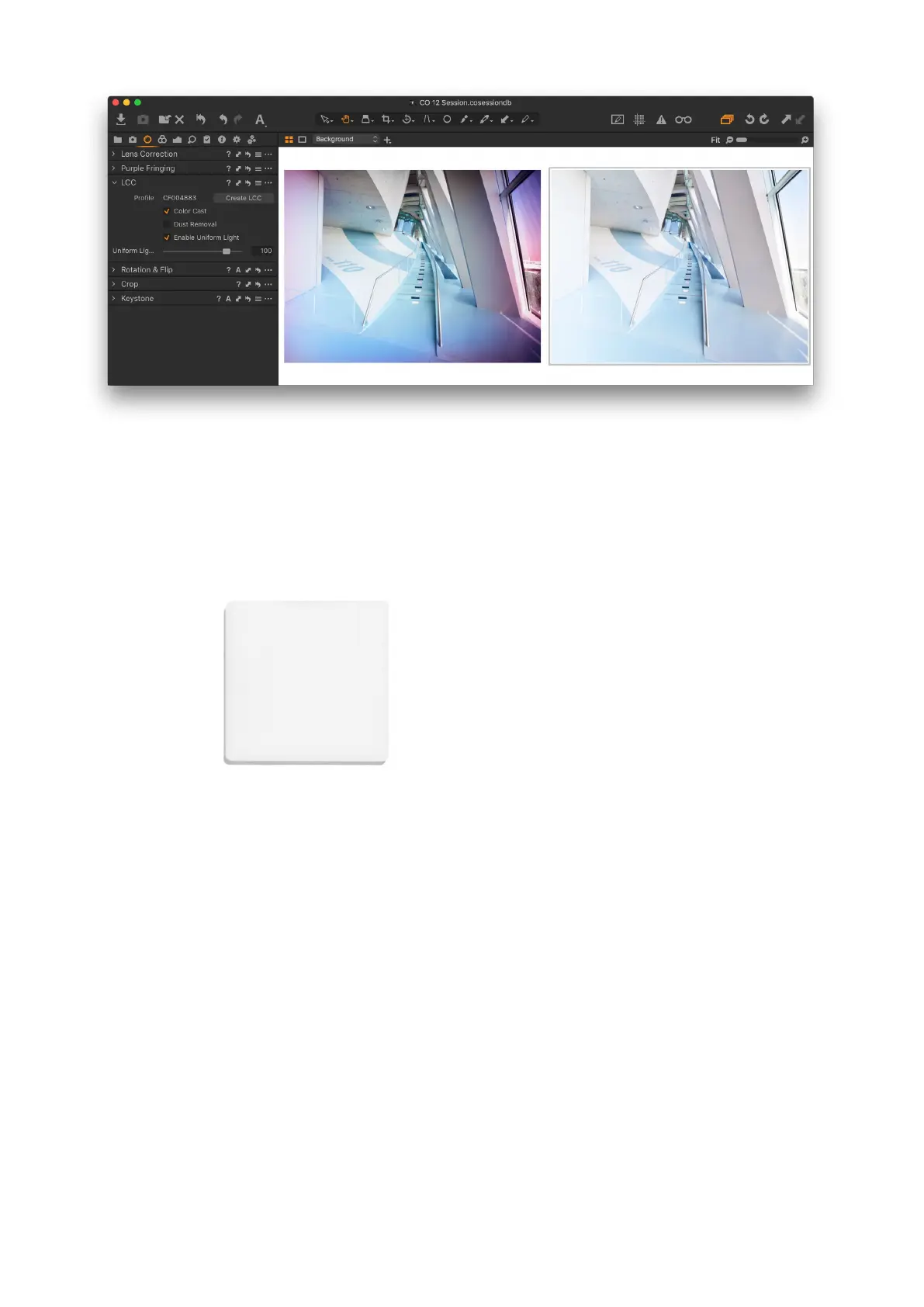
Lens Cast Calibration
Some lenses on technical camera systems have their rear element positioned
very close to the sensor surface of the Digital Back, thereby projecting the
light in a very steep angle, which can result in color cast and luminance
uniformity issues eecting image quality. Tilt and shift movements can in
addition introduce, or amplify, the problem. The LCC (Lens Cast Calibration)
tool in Capture One Pro is designed to correct for the color and luminance
uniformity issues by analyzing and applying a correction made from an LCC
capture.
To use the LCC tool, you will need to make an LCC capture. An LCC capture is
a photograph of an evenly-lit semi-transparent card, used as a reference image
within Capture One’s LCC tool. The Phase One LCC Plate (part number 70722)
is made specifically for the purpose.
It is important to be aware that a lens cast is specific to the relationship
between the lens and the sensor planes. If there are any changes to the angle
or distance between these two planes, like adding a shift, the light rays will hit
the sensor from new angles, and a new LCC reference image should be
created. The same is true if you adjust the aperture as this will change the
shape of the light.
A new LCC reference image needs to be created if you change any of the
following parameters:
• Use a new sensor / lens combination
• Change the Focal Length
• Change the Aperture
• Adjust the Shift (X and Y)
• Adjust the Tilt or the Swing
• A change in the direction of the light in the scene
• Change the focus distance (less important, see below)
Changing the focus distance should only have a minimal impact. However,
there might be a slight dierence if you capture the LCC reference image at
infinity focus while shooting the regular images at a close focus distance, or
vice versa. The focus distance eect on the LCC calibration image will also
dependent on the focal length, so a 90mm lens will show more variation than
a 23mm lens. If you want to play it safe, then capture an LCC reference image
at the working focus distance.
Changes to the shutter speed or ISO value will not have any notable impact on
the creation of an LCC.
It is not an absolute necessity to capture the LCC reference image under the
same lighting conditions as the real images, although it is recommended for
best possible image quality. It is, however, important that the LCC plate is
evenly lit, and in order to accommodate for the loss of light from the semi-
transparent card, it is suggested to decrease your shutter speed by two stops.
Phase One LCC Plate
© Drew Altdoerer
115Lens Cast Calibration 115XF IQ4 Camera System Manual |



 To Next Page