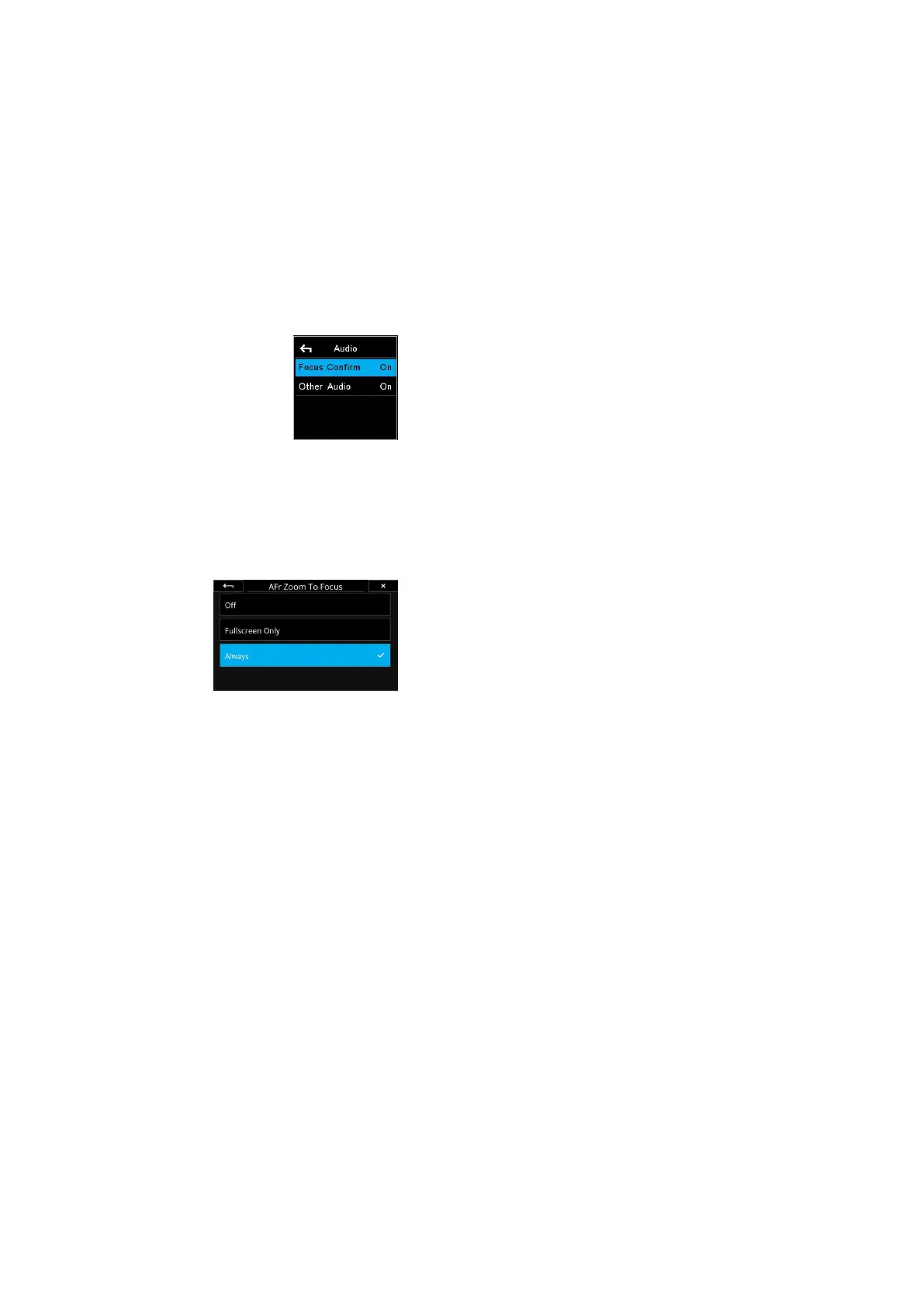
Enabling focus confirmation beep
Enabling AFr Zoom to Focus
Feedback on focus accuracy
The XF Camera can give you visual and audible feedback to reflect the
success, or failure, it was able to measure in maintaining focus on the subject
after recomposing. The focus indicator in the viewfinder will blink once if the
operation of AFr was correctly anticipated and verified, while both the focus
dot and the arrow indicators will flash quickly if the camera cannot verify that
accurate focus and recompose was achieved.
If you have enabled Focus Confirm under Audio, the XF Camera will also give
you audible feedback. You will get a normal sounding beep if the focus and
recompose operation was measured as a success, while you will hear a longer
sounding warning beep if the camera cannot verify that accurate focus was
achieved.
Note that the audible feedback is only an indication that the focus plane
adjustment, applied to the focus of the lens, matched the anticipated
movement of the XF Camera. This tool is designed to learn the movements of
the XF Camera over the course of a shoot, and therefore the more you repeat
the same movement within a sequence of images, the greater the success. The
initial capture from when the camera is turned on, may be imperfect in terms
of AFr success, but the subsequent images will apply and fine tune the
adjustment to your movement. It is suggested that you pair this audible
feedback with the Zoom to Focus to visually confirm success.
Checking for correct focus
If you want to check quickly whether the subject is indeed in proper focus, you
can setup the preview image on the IQ4 to help you out. The preview image
has an option to automatically zoom into the point of focus instead of
showing the entire capture, making it much faster to review the focus
accuracy.
This is done on the IQ4 by choosing Menu > IQ Settings > Preview and then
under AFr Zoom To Focus, selecting Always. The feature is set to O by
default.
If you only want AFr Zoom To Focus to work when you are in the Viewer or
Camera Controls (but not in the Browser or Tools Viewer modes), select the
Fullscreen Only option.
Note that the AFr Zoom To Focus feature might zoom into an area that is
slightly o the point where you locked focus. This is not a sign that the AFr
mode has miscalculated the focus compensation, but it is always a good
practice to judge the focus accuracy by viewing the main subject on the IQ4
screen.
Supported lenses for AFr mode
Currently (as of XF Feature Update #4 SR2) the following Schneider
Kreuznach Blue Ring lenses are supported for Autofocus & Recompose mode:
• 35mm LS f/3.5
• 45mm LS f/3.5
• 55mm LS f/2.8
• 80mm LS f/2.8
• 110mm LS f/2.8
• 120mm LS f/4.0 Macro
• 150mm LS f/2.8
• 150mm LS f/3.5
• 240mm LS f/4.5
87Autofocus & Recompose mode 87XF IQ4 Camera System Manual |



 To Next Page