Restore the Custom
Presets to Default
Rename Custom Setup
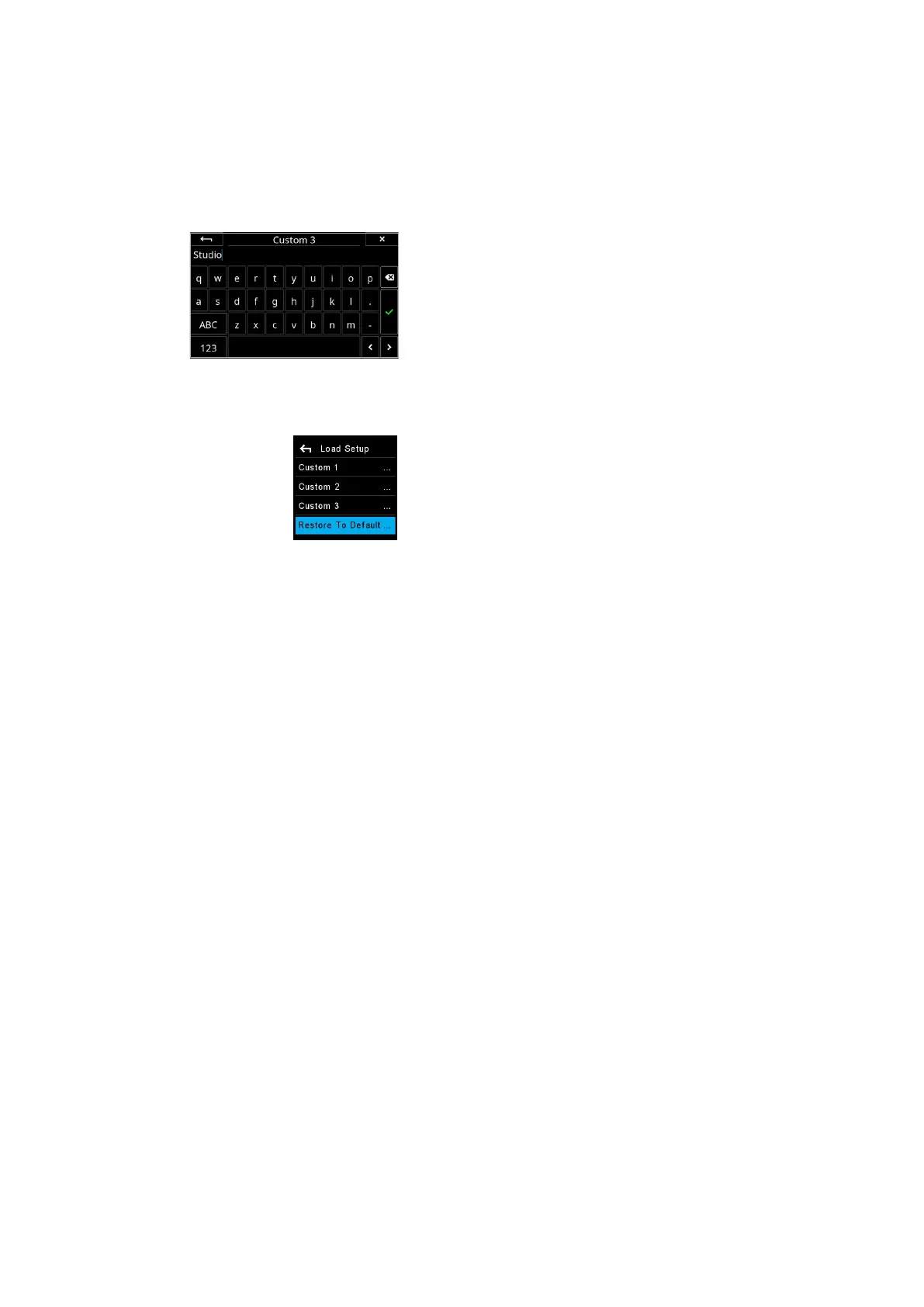
In order to better recognize each of your Custom Setups, you can rename
them to something more descriptive, like ‘Landscape’ or ‘Studio’. This is done
from the IQ4 touch screen with the built-in keyboard by selecting IQ4 Menu >
XF Menu > Custom Setup > Rename. Then choose the Custom Setup you
want to rename, and enter the name on the touch keyboard. Once you are
done, press the green check mark to accept the change.
Restore to Default
To return the camera to the default settings, access the camera menu and
select Load Setup > Restore To Default…
Note the group of settings registered with the Custom Presets will be not be
cleared using this option.
Using the touch keyboard
to rename the Custom Setup
119XF Custom Presets and IQ4 Backup 119XF IQ4 Camera System Manual |



 To Next Page