EasyManua.ls Logo

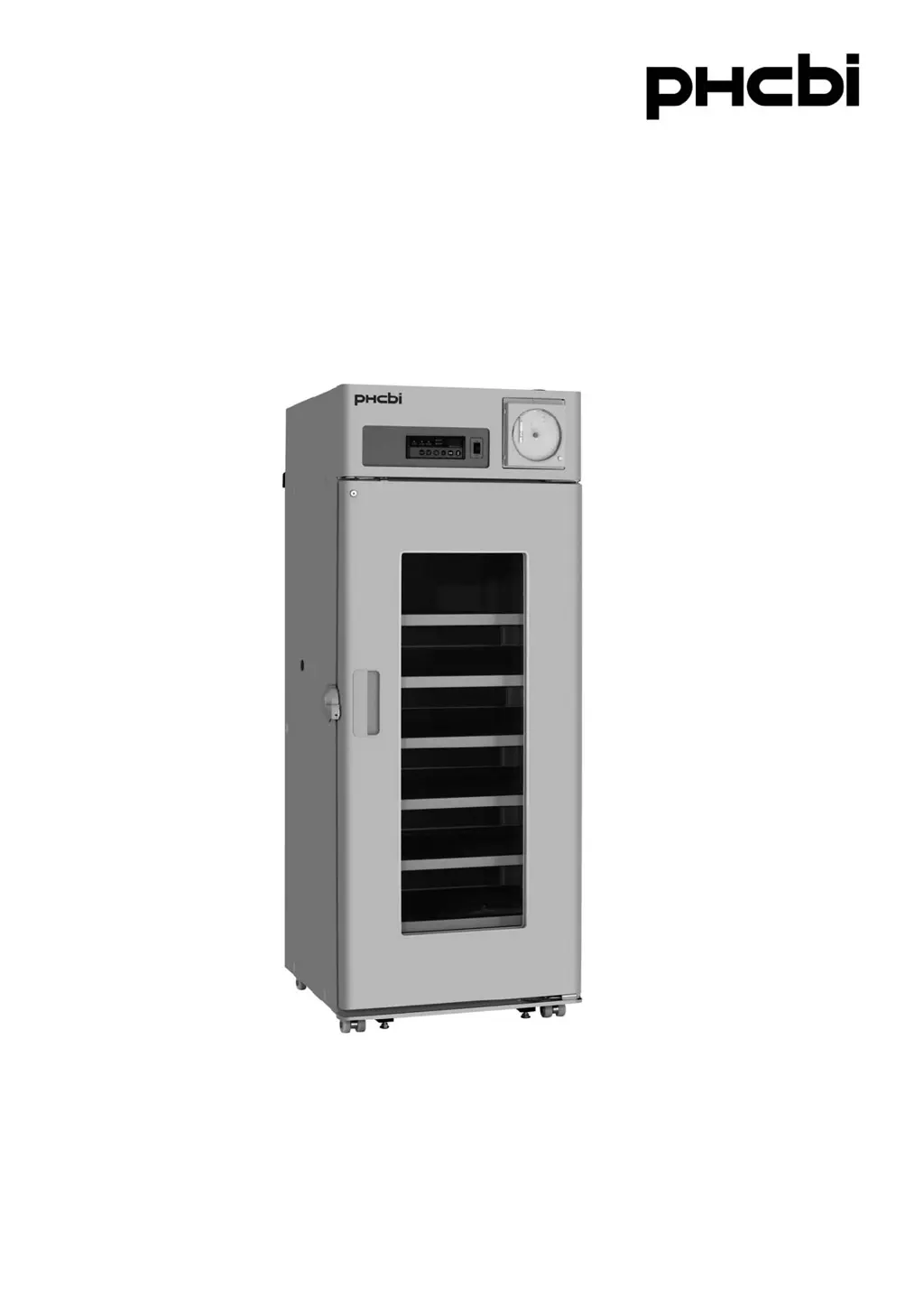
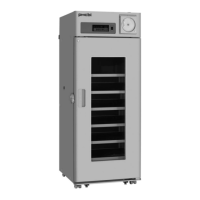
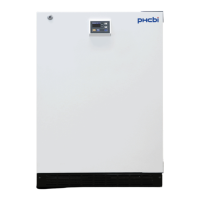
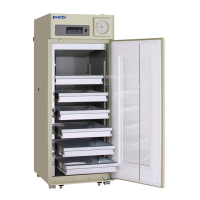
Phcbi MBR-705GR - User Manual

Phcbi MBR-705GR
44 pages
Print Icon
To Next Page IconTo Next Page
Loading...
MBR-705GR Series
Please read the operating instructions carefully before using this product, and keep the operating
instructions for future use.
See page 39 for all model numbers.
Operating Instructions
Blood Bank Refrigerator

Questions and Answers

  • T
    thompsonbrittneyAug 16, 2025
    Why is my Phcbi Refrigerator not cold enough?
    • A
      Anthony BrewerAug 16, 2025
      If your Phcbi Refrigerator chamber isn't getting cold enough, several factors could be at play. The outer door may be opened frequently, or the inner door might be ajar. Direct sunlight, blocked ventilation, or a nearby heat source can also affect cooling. Ensure the ambient temperature is within 5 oC and 35 oC. Overloading the refrigerator or blocking the air exhaust vent with items can impede cooling. Also, make sure the access port is covered with insulation and rubber caps when not in use. Damaged door gaskets or foreign substances between them can also cause this issue; if the gasket is damaged, contact a sales representative or agent for replacement.
  • A
    Angela BarnesAug 19, 2025
    What to do if alarm is activated during operation of Phcbi Refrigerator?
    • T
      Tonya McdonaldAug 19, 2025
      If the alarm on your Phcbi Refrigerator is activated during operation, it could be due to several reasons: the unit might not be properly connected to the power supply, or the power supply's capacity and voltage might be insufficient. There could be a power failure, or the circuit breaker on the supply circuit might be activated (a 15 A or more breaker is recommended). The fuse on the supply circuit could also be blown. Additionally, the outer door may have been left open for an extended period or is currently open. If an error code is displayed on the temperature display, contact a sales representative or agent.
  • K
    Kristin KrauseAug 22, 2025
    How to troubleshoot Phcbi Refrigerator that won't turn on?
    • K
      Kathryn MasseyAug 23, 2025
      If your Phcbi Refrigerator isn't operating at all, even when plugged in, there are several potential reasons. First, ensure the unit is properly connected to the power supply. The capacity and voltage of the power supply might not be sufficient. There could also be a power failure, or the circuit breaker on the supply circuit may have been activated. It's recommended to use a breaker of 15 A or more. Lastly, the fuse on the supply circuit could be blown.
  • S
    Steven HortonAug 26, 2025
    Why is my Phcbi Refrigerator so noisy?
    • J
      jonathan94Aug 26, 2025
      If your Phcbi Refrigerator is making unusual noises, consider these possibilities: The floor may not be sturdy, or the installation site might not be level. The refrigerator could be tilted, or the cabinet might be in contact with the surrounding wall.
  • W
    westrebeccaAug 28, 2025
    Why is displayed temperature on Phcbi Refrigerator not 4 oC?
    • C
      Christopher EsparzaAug 29, 2025
      A displayed temperature between 3 oC and 5 oC (depending on the ambient temperature) is not a malfunction.
  • L
    Lisa PhamAug 31, 2025
    What to do if Phcbi MBR-705GR is not working when plugged in?
    • T
      Tyler HuangSep 1, 2025
      If your Phcbi Laboratory Equipment isn't operating even when plugged in, first, check the power supply connection to ensure it's properly connected. Insufficient capacity and voltage can also cause this issue, so verify that the power supply meets the equipment's requirements. Check for a power outage in your area. Additionally, examine the circuit breaker on the supply circuit and reset it if it has been activated. Lastly, inspect the fuse on the supply circuit and replace it if it's blown.
  • B
    brian27Sep 3, 2025
    What to do if the alarm is activated during operation of Phcbi MBR-705GR Laboratory Equipment?
    • M
      Margaret MendezSep 3, 2025
      If the alarm is activated during operation of your Phcbi Laboratory Equipment, check the power supply connection and make sure it's properly connected. Ensure the power supply meets the equipment's capacity and voltage requirements. Also, verify there isn't a power outage. Check if the circuit breaker has been activated and reset it if necessary. Make sure the outer door is closed, as leaving it open can trigger the alarm. If an error code is displayed, contact our sales representative or agent.
  • T
    Tiffany PotterSep 6, 2025
    Why is the chamber of my Phcbi MBR-705GR not cold enough?
    • B
      Bethany ArmstrongSep 6, 2025
      If your Phcbi Laboratory Equipment chamber isn't getting cold enough, start by limiting how often you open the outer door and ensure the inner door is closed. Relocate the unit away from direct sunlight and heat sources, ensuring proper ventilation. Make sure the ambient temperature is within the acceptable range (between 5 oC and 35 oC). Reduce the number of items stored inside to avoid blocking the air exhaust vent. Cover the access port when not in use with insulation and rubber caps. If the door gasket is damaged, contact our sales representative or agent for replacement. Also, check for and remove any foreign substances between the door gaskets.
  • S
    Suzanne LloydSep 9, 2025
    How to reduce excessive noise from Phcbi Laboratory Equipment during operation?
    • K
      Karl RoseSep 9, 2025
      Excessive noise during operation of your Phcbi Laboratory Equipment can be due to several factors. First, ensure the floor is sturdy and the installation site is level. Make sure the refrigerator is properly leveled. Also, check that there is space between the cabinet and the surrounding wall.
  • C
    Courtney RossSep 12, 2025
    What to do if the displayed temperature of Phcbi MBR-705GR is not 4 oC?
    • S
      Sara PatrickSep 12, 2025
      A displayed temperature between 3 oC and 5 oC (depending on the ambient temperature) is not a malfunction.

Summary

Introduction to Operating Instructions

Using the Operating Manual

Guidance on using the manual and contacting support.

Safety Precautions and Warnings

Understanding Safety Symbols and Alerts

Explains warning symbols, cautions, and general safety guidelines.

Environmental Operating Conditions

Refrigerator Unit Components

Component Identification Diagram

Diagram identifying the main components of the refrigerator unit.

Control Panel Overview and Functions

Explanation of the control panel buttons, indicators, and displays.

Front Cover Component Access

Details on components accessible from the inside of the front cover.

Back of Unit Component Identification

Details on components located on the back of the refrigerator unit.

Unit Installation Guide

Selecting the Proper Installation Site

Requirements for the installation location to ensure safe operation and performance.

Step-by-Step Installation Process

Step-by-step guide for installing the refrigerator unit.

Operation and Storage Guidelines

Preparing the Temperature Monitor Bottle

Instructions for preparing the monitor bottles before unit start-up.

Initial Unit Start-Up Steps

Steps to follow for the initial startup of the refrigerator.

Optimizing Airflow for Stored Items

Guidelines for arranging items inside the chamber for optimal air circulation.

Temperature Monitoring and Defrosting

Reading and Changing Chamber Temperature

How to read and change the displayed chamber temperature readings.

Automatic Evaporator Defrosting

Alarm and Monitoring Systems

Connecting the Remote Alarm Terminal

How to connect external alarm equipment to the unit.

Temperature Recorder Usage

Details on the recorder unit, chart loading, and settings.

Loading the Recorder Pen Cartridge

Step-by-step guide for loading the pen cartridge into the recorder.

Recorder Chart and Time Settings

Procedures for setting the recorder's start time and replacing the chart.

Alarm and Self-Diagnostic Functions

Alarm Functions and Testing Procedures

Overview of alarm types, indications, and how to test alarm operation.

Understanding Self-Diagnostic Codes

Information on error codes and automatic self-diagnosis of the unit.

Routine Maintenance Procedures

Exterior, Interior, and Accessory Cleaning

Instructions for cleaning the exterior, interior, and accessories of the unit.

Cleaning the Evaporating Tray

Steps to clean the condensate collection tray at the back of the unit.

Replacing Fluorescent Lamp and Glow Starter

Guide for replacing the fluorescent lamp and glow starter.

Battery Replacement for Power Failure Alarm

Troubleshooting Common Issues

Resolving Unit Malfunctions

Solutions for common issues like no operation, noise, or temperature problems.

Unit Disposal and Recycling

Battery Recycling and Unit Decontamination

Procedures for safely disposing of the unit and its batteries.

English Language Disposal Guidelines

Specific instructions for disposal of equipment and batteries in English.

Specifications and Performance Data

Technical Specifications

Technical details and dimensions of the Blood Bank Refrigerator.

Operational Performance Data

Data on storage temperature, noise level, power, and voltage.

Safety Check Sheet for Servicing

Pre-Service Safety Checklist

A form to be filled out before maintenance to ensure safety.

Phcbi MBR-705GR Specifications

General IconGeneral
ModelMBR-705GR
CategoryLaboratory Equipment
Power Supply220V, 50Hz
DefrostManual
Control SystemMicroprocessor Controlled
MaterialStainless Steel

Related product manuals