25
BASIC PARAMETERS
* The current chamber temperature is the value rounded off below a decimal point, so the High/Low
Alarm may be activated when the value of the current chamber temperature is equal to the High/Low
Alarm set temperature.
4. On the Menu screen, press Back key to return to the Top screen.
Setting operation control mode
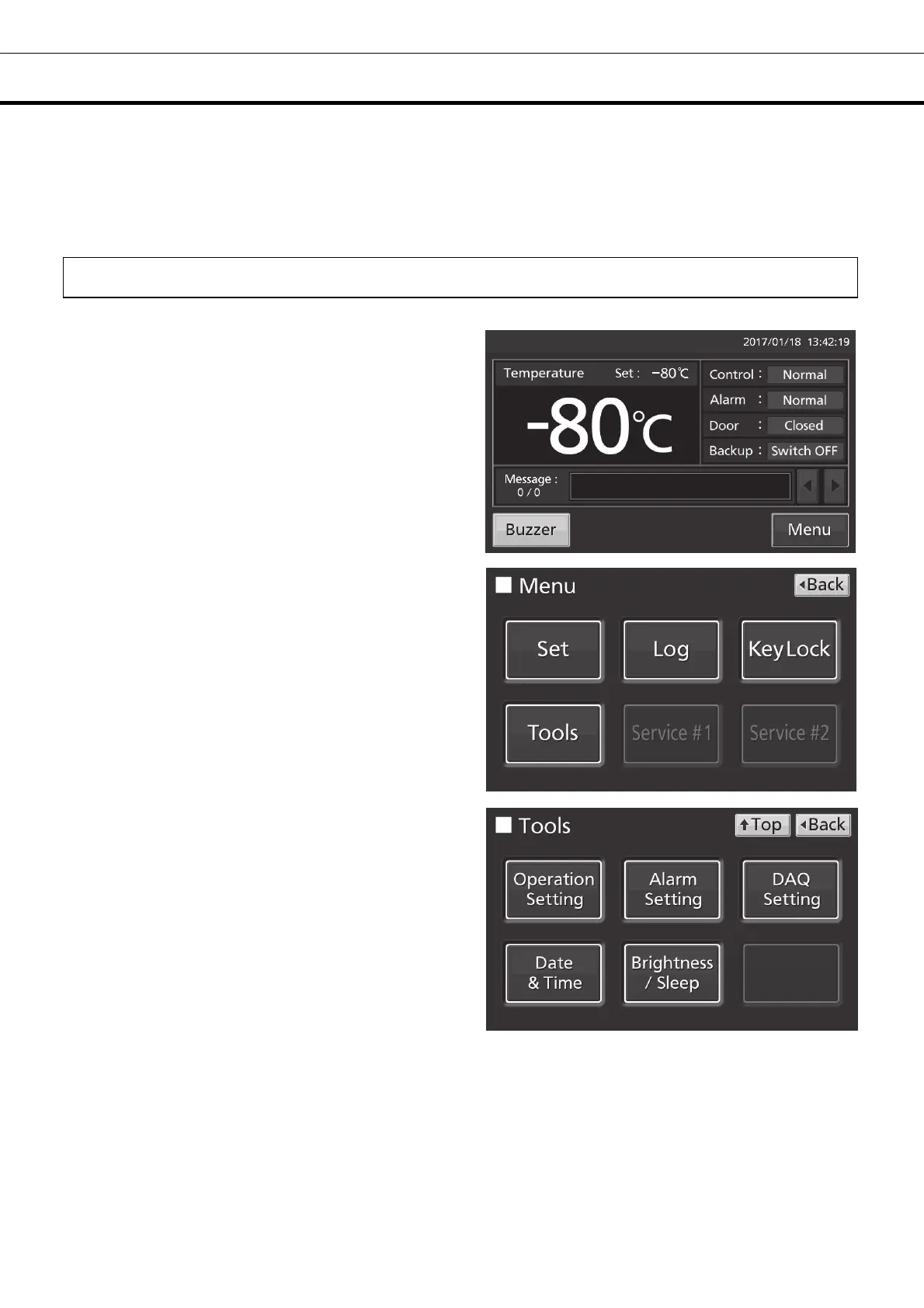
1. Press Menu key to lead the Menu screen.
2. Press Tools key to lead the Tools screen.
3. Press Operation Setting key to lead the
Operation Setting screen.











 To Next Page