26
RUNNING OPERATION (MENU/Set)
Key lock function
This unit is provided with the key lock function. When the key lock is ON, change of temperature setting
through the key pad is not available. The key lock is set in OFF at the factory.
If a key lock is on, the Temp. setting screen can be seen. But, numerical value cannot be changed.
Setup procedure is as follows.
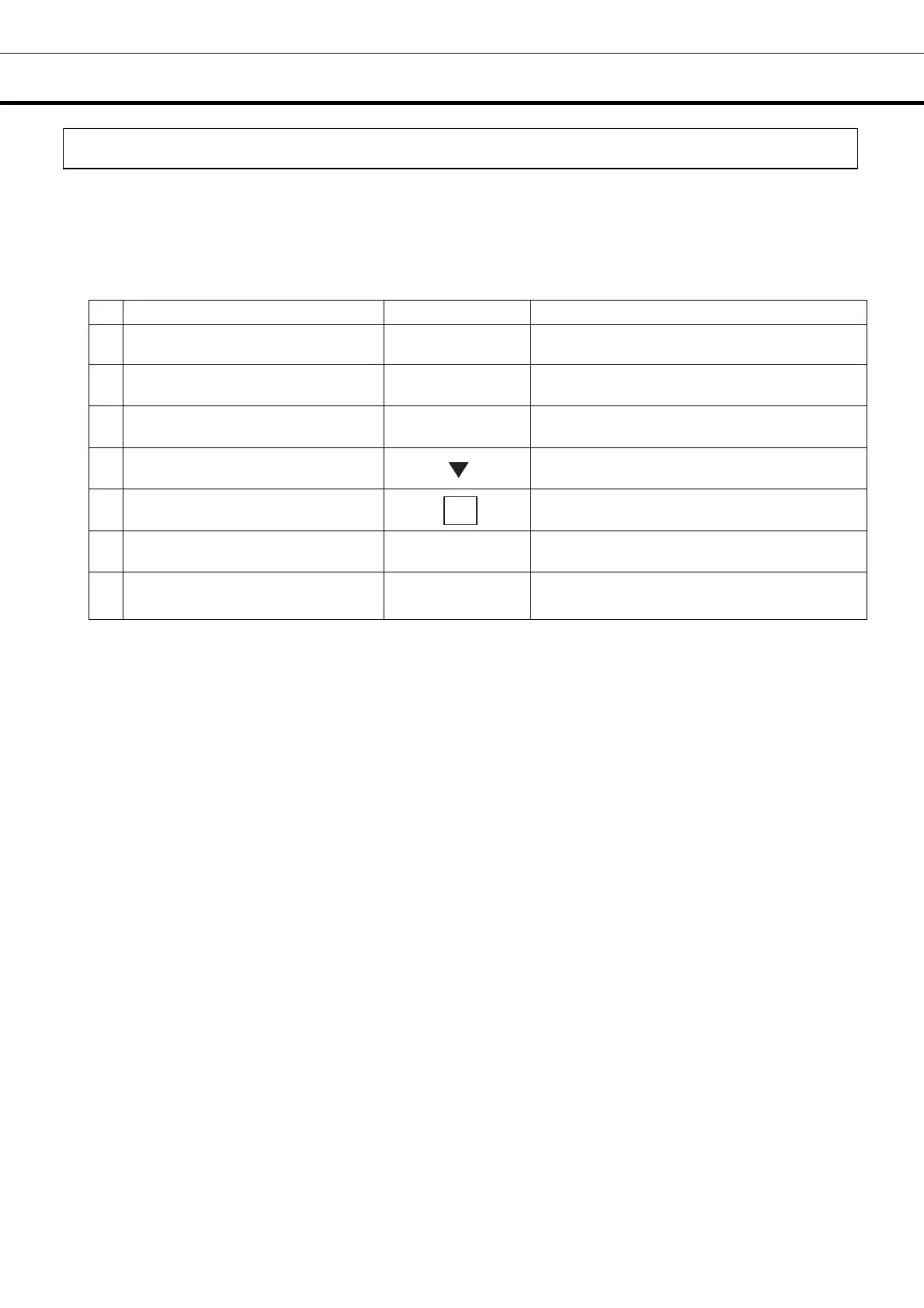
Table 6. Procedure for key lock setting (Change from Unlock to Lock)
Description of operation Key operated Indication after operation
1 -----
Top screen is displayed.
2
Press the MENU button.
MENU
The menu window is indicated. And the
“set” is highlighted.
3
Press the ENTER key.
ENTER
Temp. Setting screen is indicated. And
set value of temperature is highlighted.
4
Select Button Lock by pressing
shift key (downward).
The set value 0 of the key lock (Key Lock)
is highlighted.
5
Press the figure input key 1.
Key lock (Key Lock) is changed from 0 to 1.
6
Press the MENU button.
MENU
The menu window is indicated. And the
“OK” is highlighted.
7
Press the ENTER key.
ENTER
Key lock is memorized, and the top screen
is indicated.
1




 To Next Page