13
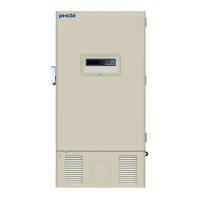
FREEZER COMPONENTS
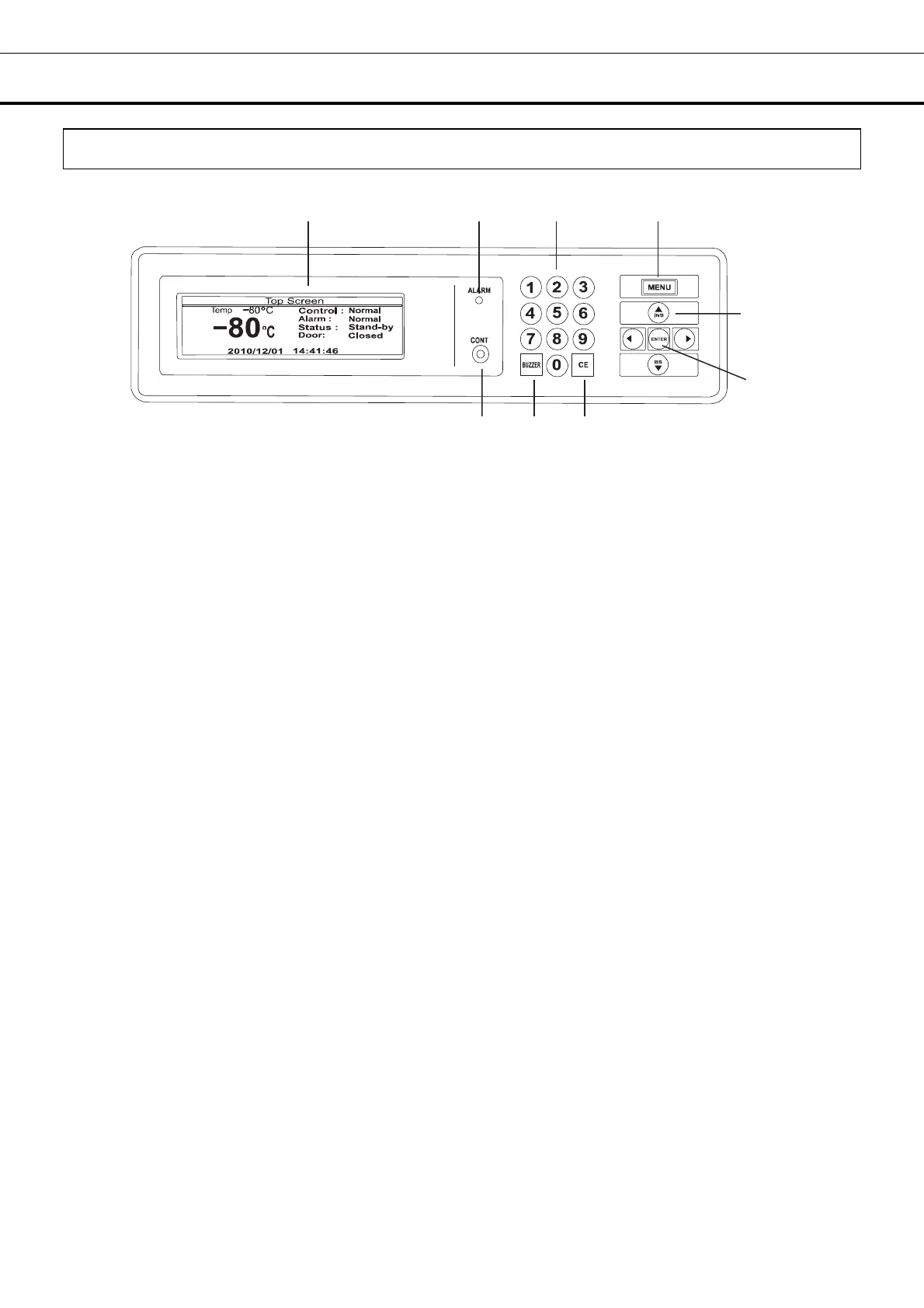
Control panel
1. LCD panel
2. Alarm lamp (ALARM): This lamp is flashed during alarm condition.
3. Figure input key: User for operation setting.
4. Menu button (MENU): To open the menu window during setting.
5. Shift key (Upward, downward, rightward, leftward): To move the cursor on the LCD panel during
setting.
6. Enter key (ENTER): To determine the selection of parameter during setting.
7. Clear key (CE): To clear the input value during setting or to return to the top screen after setting.
8. Buzzer stop key (BUZZER): This key has three functions as follows:
- Buzzer stop key : To silence the audible alarm under alarm condition, press this key. Refer to page
40 and 41 for the details.
- Alarm test key: By pressing this key for 5 seconds during normal operation, the alarm lamp blinks, the
buzzer sound and the remote alarm activates. Pressing this key again finishes the alarm test. Refer to
page 19 as well.
- Chamber temperature display key: The chamber temperature is displayed by pressing this key during
power failure.
9. LCD contrast adjusting knob (CONT.): To adjust the contrast of LCD panel.
1
2
4
7
6
3
5
.
8 9




 To Next Page